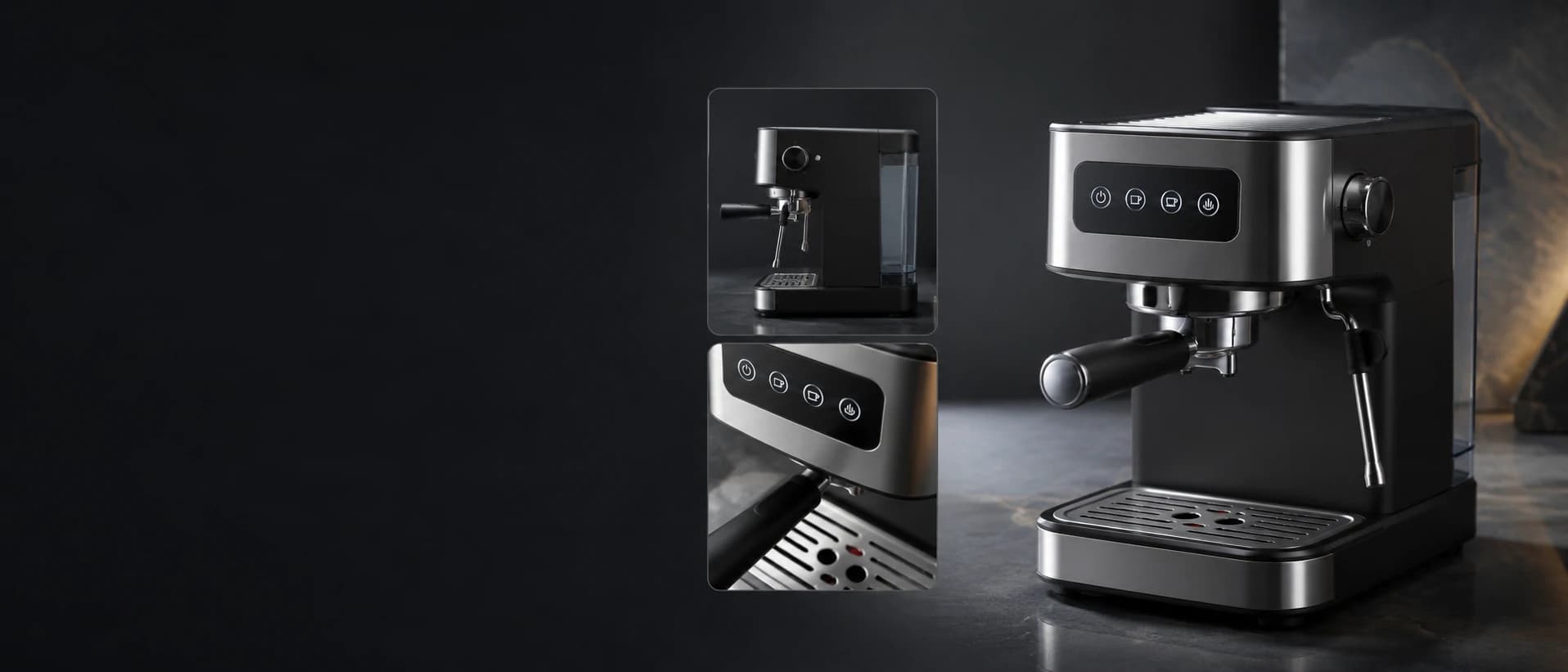
Black espresso machine shown with multiple product detail views

Product photo to usable copy

Product Image Description Generator

Turn product photos into clear, ready-to-use descriptions for product pages, catalogs, and marketplace listings—without writing everything from scratch.

Product image description tool

Create a Product Image Description from Multiple Views

Upload up to five unordered views of the same product. One task combines the visible evidence into a single description and separates details that still need seller confirmation.

Analysis quality

Product images

Upload 1-5 views. All images are combined into one result.

0/5
0/1500
Output language

Result

Your product description will appear here

Visible evidence first

What Makes a Useful Product Image Description?

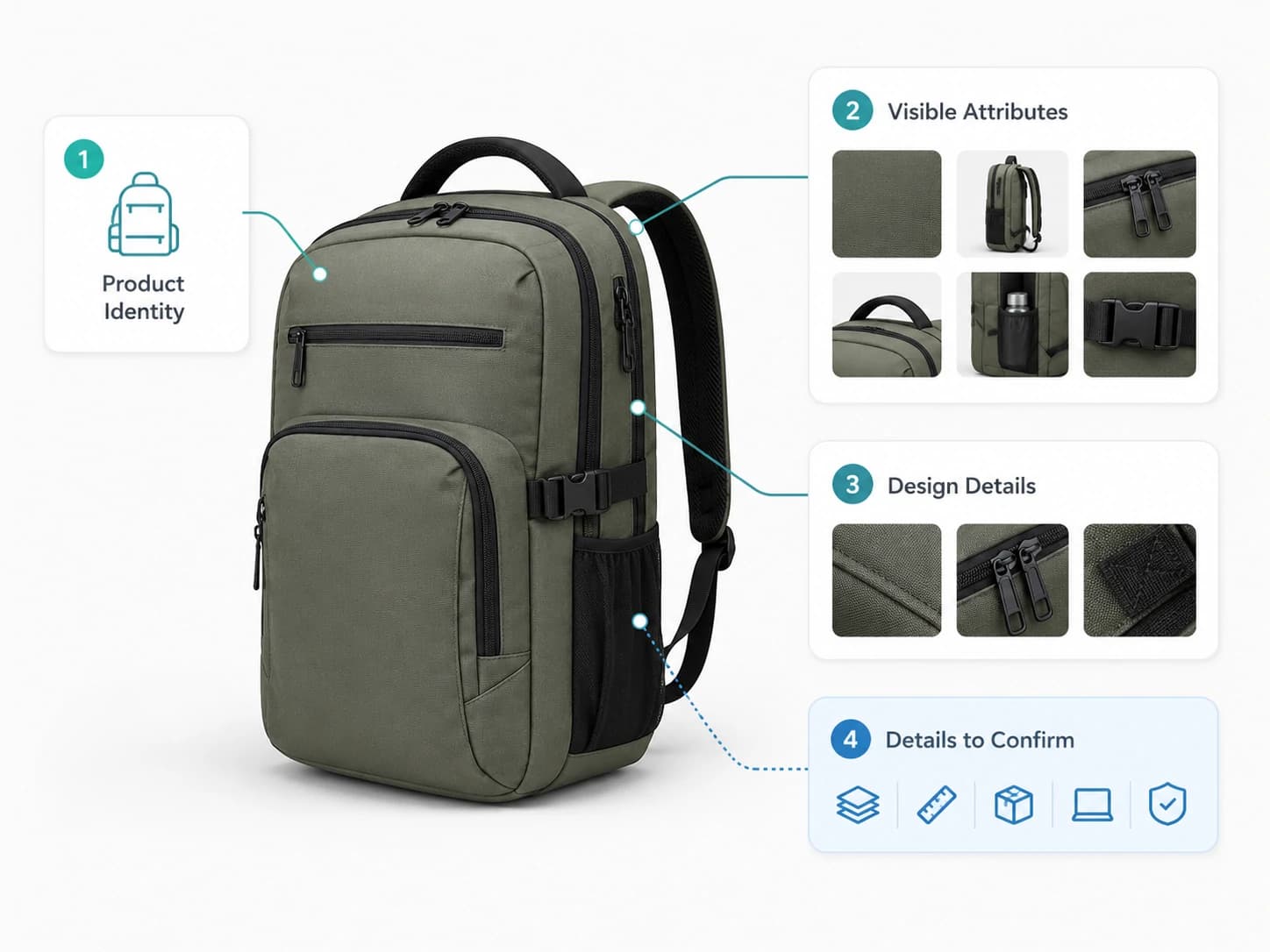
A useful product image description does more than name the item. It records what is clearly visible, organizes the details that matter, and separates visual evidence from facts that still need confirmation.

Product Identity

Start with the clearest visible category, such as a lamp, travel bag, candle jar, keyboard, kitchen appliance, or clothing item.

Visible Attributes

Record image-supported color, shape, pattern, finish, controls, closures, packaging, components, and relative proportions.

Distinguishing Design Details

Note features that separate the product from a generic item, such as rounded corners, stitched handles, ribbed glass, or raised buttons.

Details That Need Confirmation

Keep exact materials, measurements, capacity, compatibility, ingredients, certifications, warranty, and performance claims separate.

Annotated olive green backpack showing product identity, visible attributes, design details, and details to confirm

Product Image Description Examples

What a Useful Product Image Description Looks Like

Compare a typical general description with a structured describeimage.io result built from multiple views of the same product.

01

Example 01

Black Baby Stroller

Combined from 4 product images
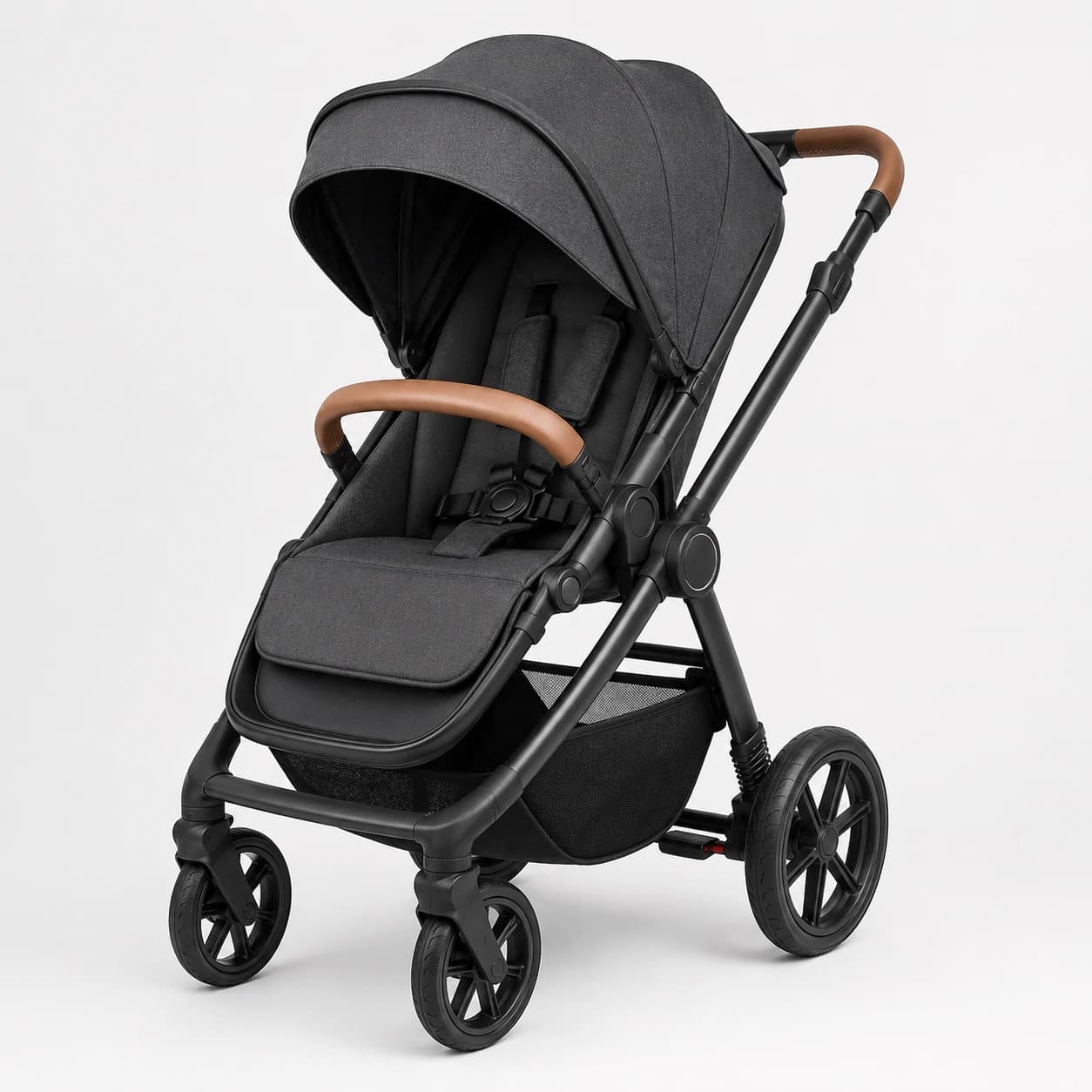
Front three-quarter view of a black baby stroller with a canopy and brown bumper bar
Front view
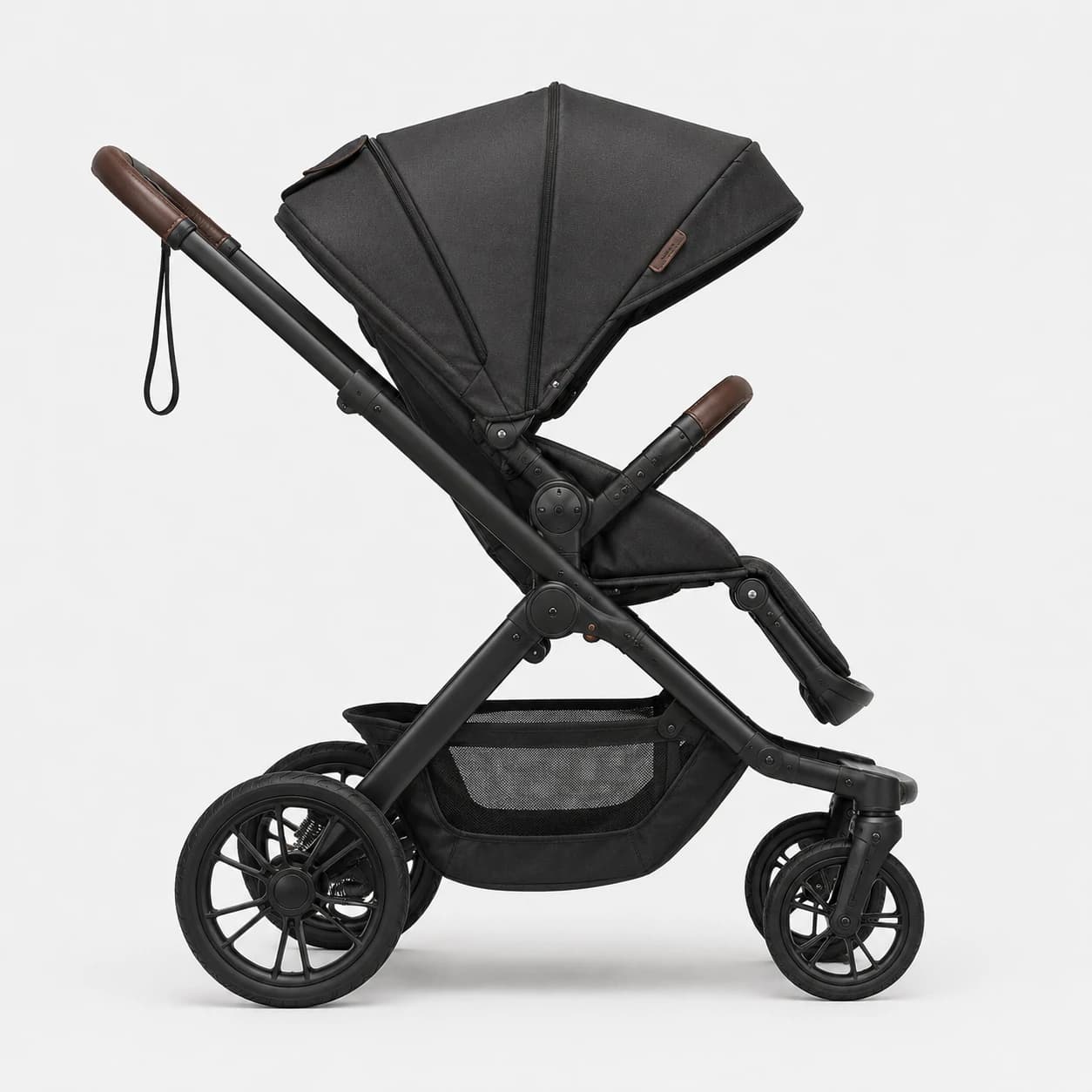
Side view of a black baby stroller showing its frame, canopy, wheels, and storage basket
Side view
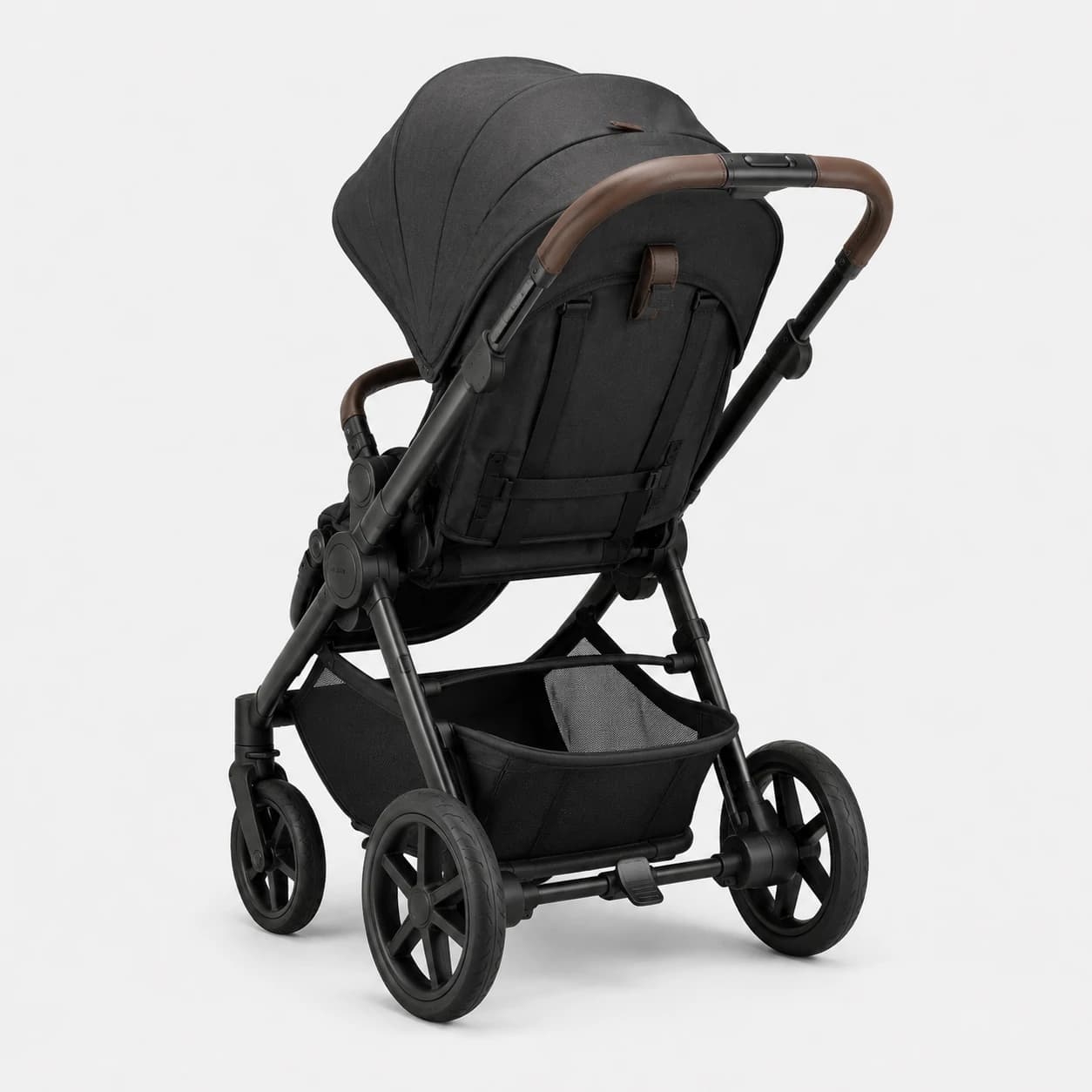
Rear three-quarter view of a black baby stroller with a brown handlebar and storage basket
Rear view
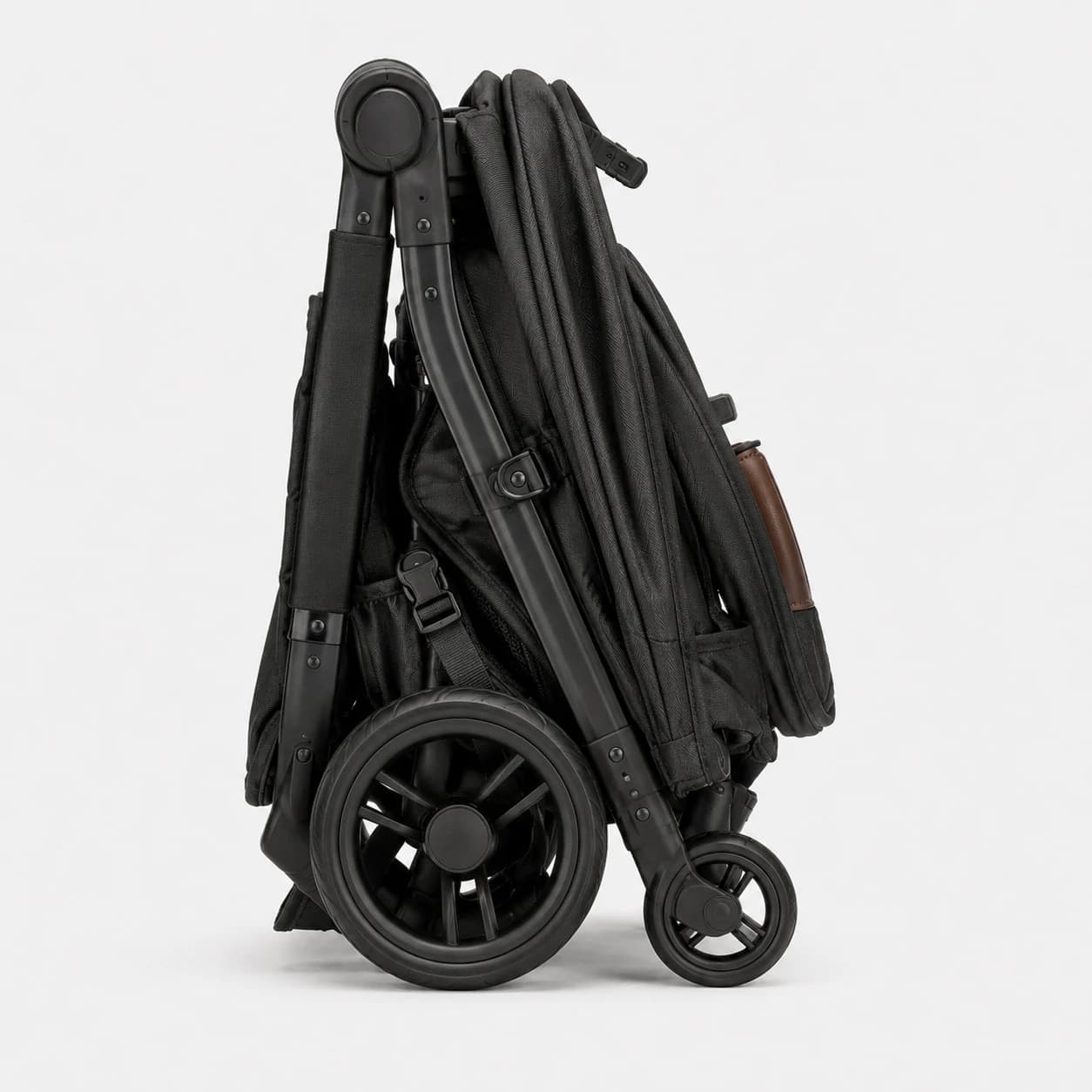
Black baby stroller folded into a compact upright travel position
Folded view

Other image description tools

Typical general description

A black baby stroller with a dark fabric seat, matching canopy, brown handle accents, and four wheels. It includes a padded seat with harness straps, a front bumper bar, and a lower storage basket. The stroller is shown from multiple angles and folds into a more compact upright position for storage or transport. Its black frame and larger rear wheels create a sturdy, practical appearance.

describeimage.io output

One result from 4 views

Product Description

A black baby stroller with a fabric seat and canopy. The frame has dark wheels with multi-spoke wheel covers and a brown handlebar/bumper accent. Visible components include a multi-position recline seat with a removable-looking footrest area and a canopy with an opening at the front. The stroller folds into a compact travel position, with the seat fabric and canopy remaining attached to the chassis. Overall design shows an all-terrain style wheel arrangement and a structured, padded seat with harness straps.

Visible Features
  • Black fabric stroller seat with padded front pad
  • Adjustable-looking canopy attached to the frame
  • Brown accent handlebar/trim on the front and sides
  • Five-spoke / multi-spoke wheel design with large wheels
  • Front bumper/guard area with integrated brown padding
  • Seat recline section with visible harness straps
Confirm Before Publishing
  • Whether the seat is fully reversible (forward-facing only vs both directions)
  • Wheel type details (e.g., air-filled vs foam/solid) and suspension characteristics
  • Exact folding mechanism and folded dimensions
  • Included accessories (if any), such as cup holder, footmuff, or storage basket
02

Example 02

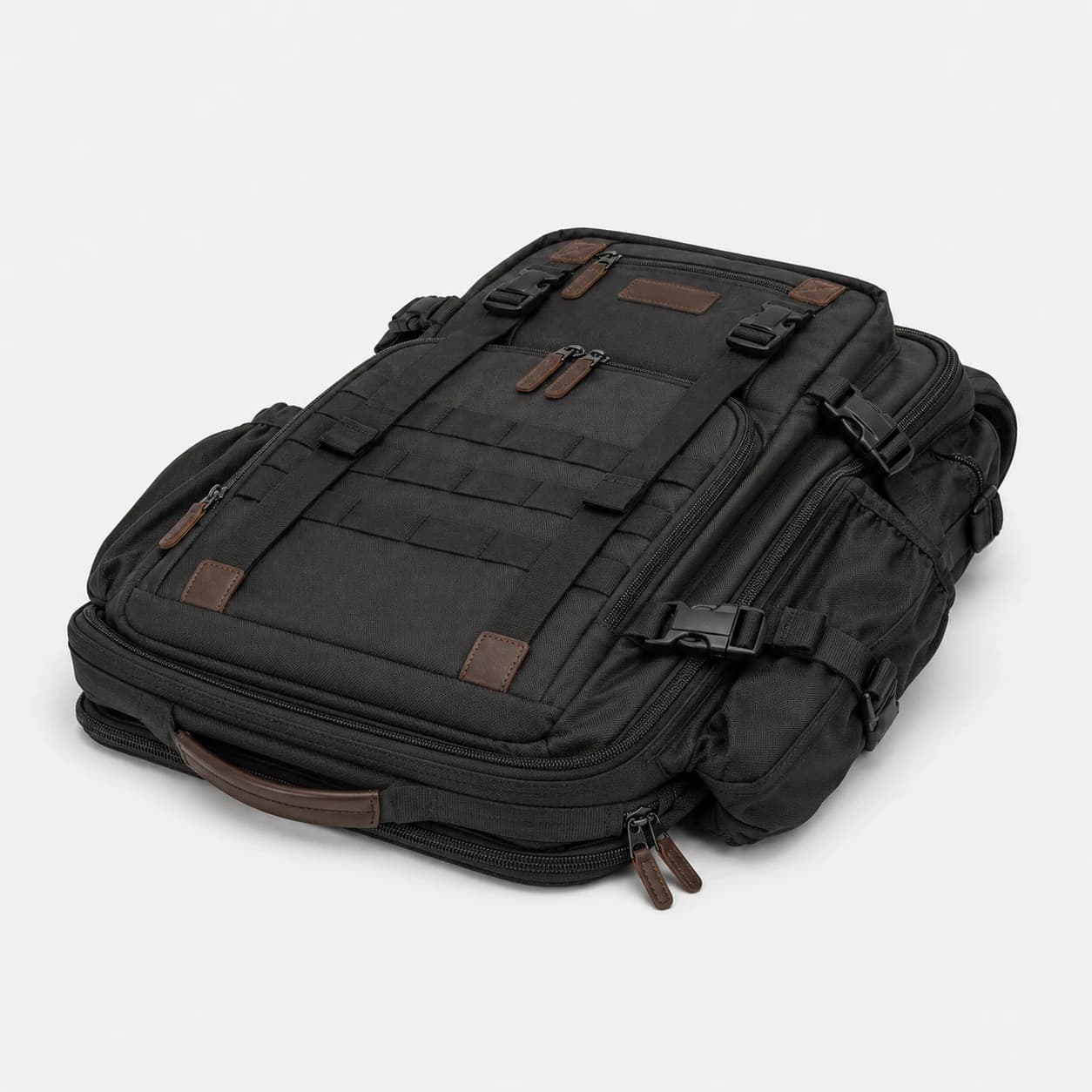
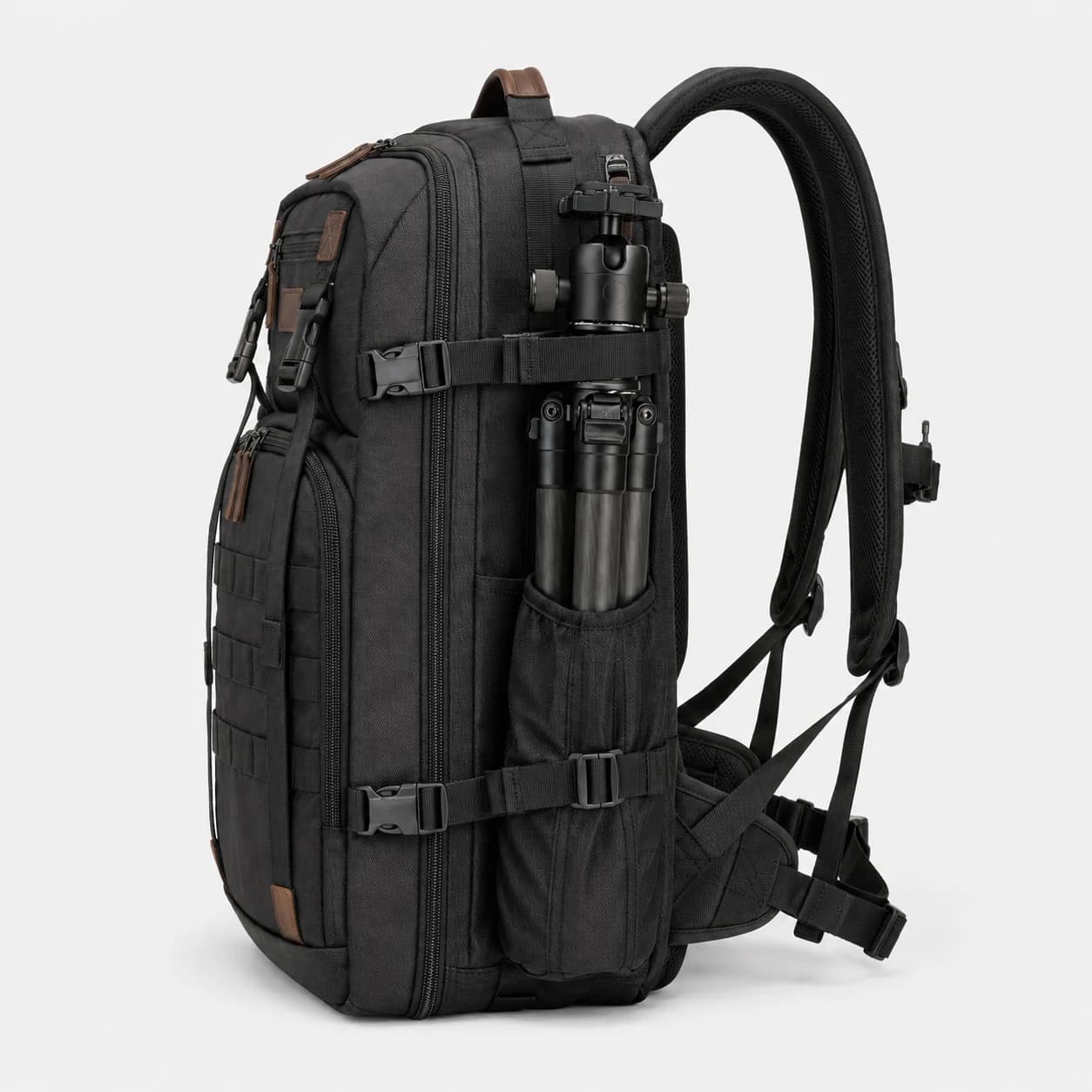
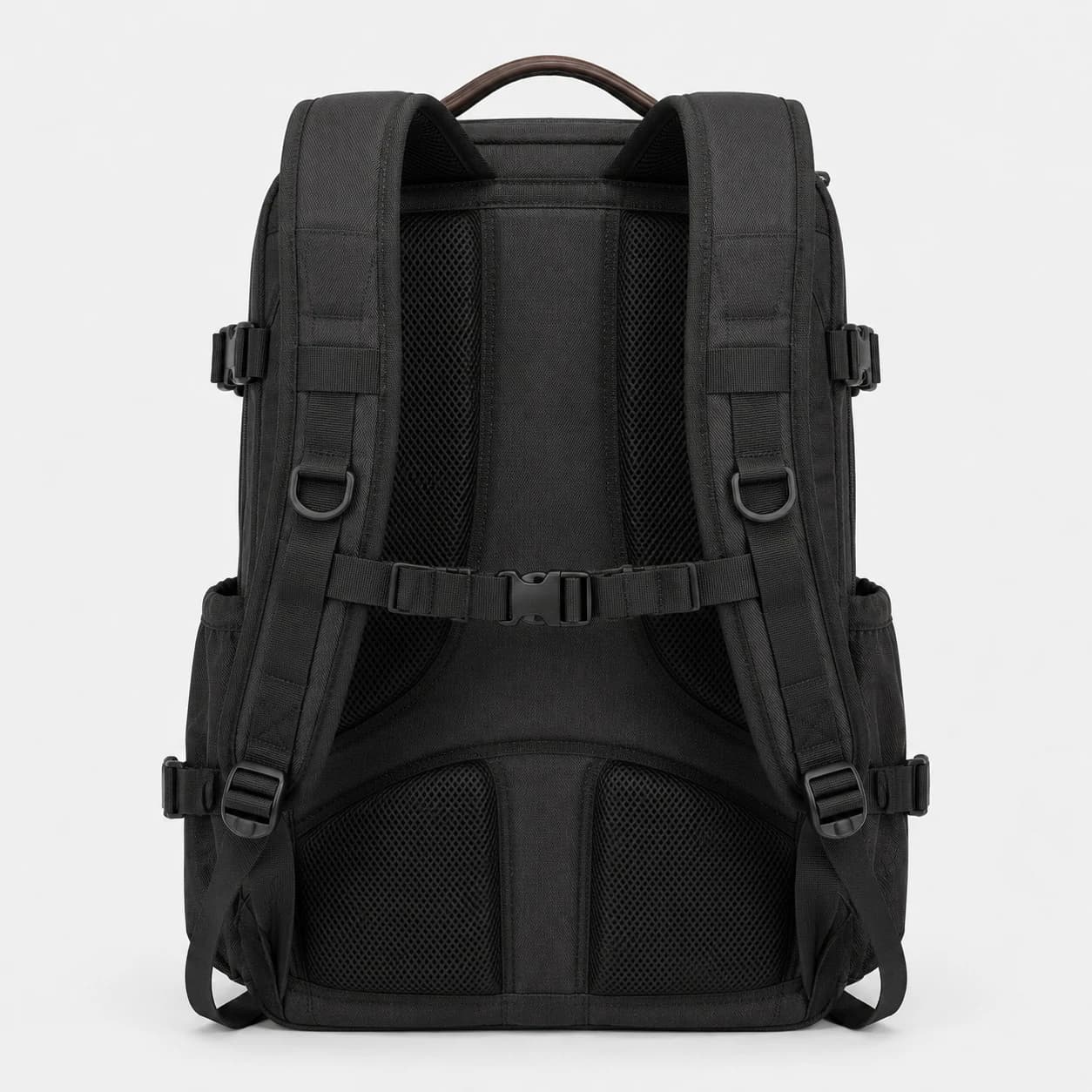
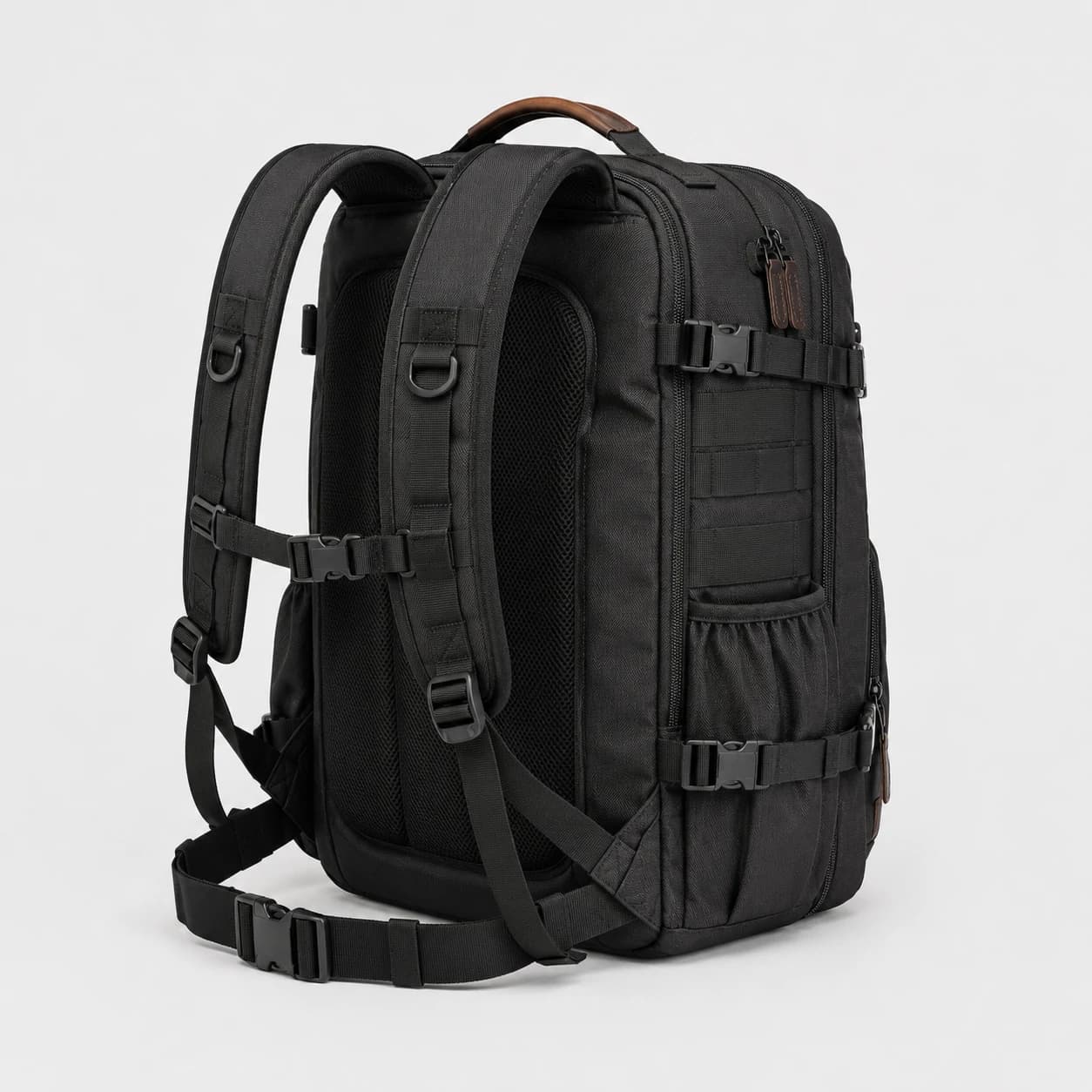
Black Gear Backpack

Combined from 5 product images

Rear three-quarter view of a black backpack showing padded shoulder straps and mesh back panels
Rear angle
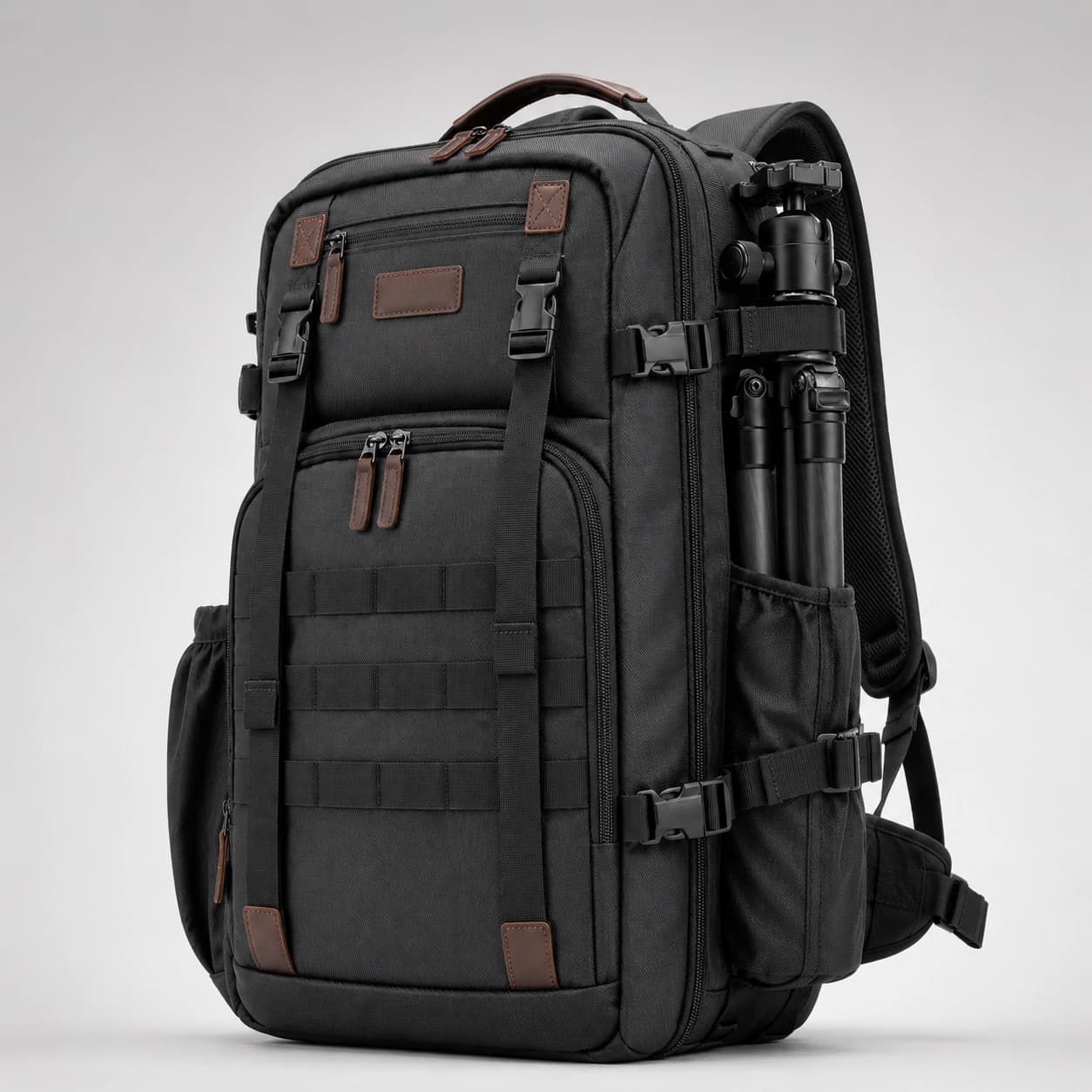
Front three-quarter view of a black gear backpack with webbing, zip compartments, and a tripod attached at the side
Front angle
Black gear backpack laid flat to show its structured front panels, webbing, and zip compartments
Top view
Side view of a black gear backpack with compression straps and a tripod secured in the side holder
Side view
Straight rear view of a black backpack with padded mesh panels, shoulder straps, and a connecting chest strap
Back view

Other image description tools

Typical general description

A black backpack with multiple zippered compartments, adjustable shoulder straps, front webbing, brown handle accents, and padded mesh panels on the back. It also has side compression straps and an external holder carrying a compact tripod. The structured rectangular body and multiple visible attachment points provide several areas for organizing and securing equipment.

describeimage.io output

One result from 5 views

Product Description

A black, backpack-style bag designed with a structured front and multiple webbing/strap elements. It has padded back panels with breathable mesh and adjustable shoulder straps with a chest/strap connection area. The front features organized panels, including horizontal webbing and several compartments/zip areas. A brown carry handle and brown leather-like accent tabs/patches appear on the top and front. One side shows a vertical attachment area with a cylindrical accessory held by elastic loops and strap hardware, indicating compatibility for camera/gear-style items.

Visible Features
  • Black backpack with structured, padded body
  • Padded back panel with breathable mesh sections
  • Adjustable shoulder straps and chest/connecting strap
  • Front panel with webbing/grid-style attachment bands and zip compartments
  • Brown top carry handle and brown accent tabs/patches
  • Side accessory attachment area with elastic loops/strap-mounted cylinder
Confirm Before Publishing
  • No additional details need confirmation.

Output formats

Choose the Product Description Format You Need

Start with the photo, then use the result that matches the next place your description will go.

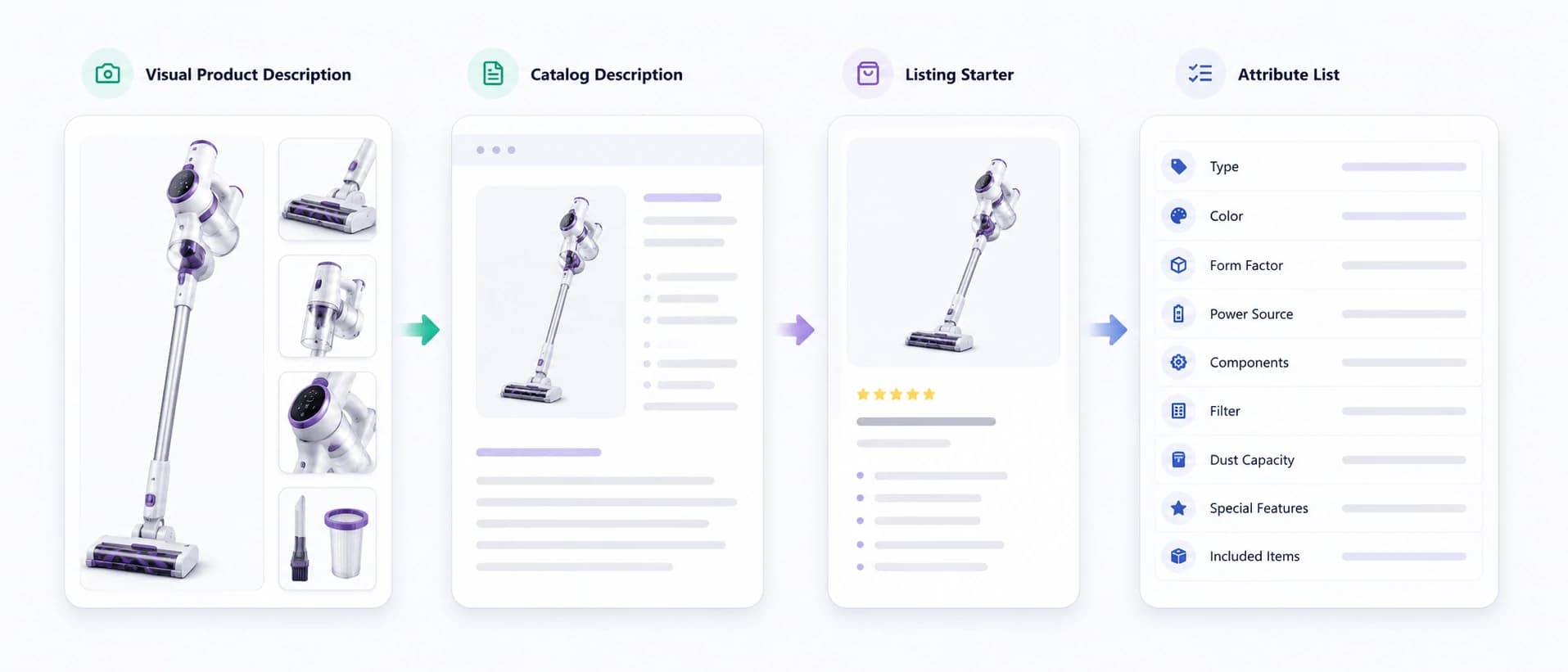
Four product description formats illustrated with a cordless vacuum: visual description, catalog description, listing starter, and attribute list

Visual Product Description

A factual description of the product type, visible attributes, shape, color, design, components, and presentation.

Catalog Description

A clean paragraph suitable for internal catalogs, product databases, supplier records, and content handoff.

Listing Starter

A buyer-facing first draft grounded in visible product details, ready to combine with verified seller facts.

Attribute List

A structured list of visible characteristics plus a separate checklist of missing specifications.

Need accessibility-focused text instead? Use the Alt Text Generator. Need detailed follow-up questions? Continue with Chat with Image.

Projector infographic separating visible product details from specifications that require seller verification

Evidence and verification

What AI Can See—and What Only You Can Confirm

A product photo can reveal useful information, but it cannot prove every product claim. Start with visual evidence, then add or verify exact facts before publishing.

Usually visible

  • Product category
  • Color and pattern
  • Shape and proportions
  • Visible buttons, ports, handles, or closures
  • Surface appearance and finish
  • Packaging style
  • Visible accessories
  • Product setting and presentation

Needs seller input

  • Exact material composition
  • Dimensions and capacity
  • Model or compatibility
  • Ingredients
  • Battery life or technical performance
  • Safety and certification claims
  • Warranty and return terms
  • Care instructions

The strongest result combines image-grounded details with verified product data.

Better inputs

How to Get a More Accurate Product Image Description

A better description starts with better product evidence. Use these steps when exact visual details matter.

  1. 1

    Start with a Clear Primary Image

    Use a photo where the entire product is visible, well lit, and separated from distracting objects. A front or three-quarter view usually gives the clearest product identity.

  2. 2

    Add Useful Product Angles

    Upload side, back, interior, packaging, or detail views in the same task when they reveal features missing from the primary image. The tool treats them as unordered views and produces one consolidated result.

  3. 3

    Add Facts the Photo Cannot Prove

    Before publishing, add verified materials, dimensions, capacity, compatibility, ingredients, care information, or warranty details from your product records.

  4. 4

    Review Every Claim

    Check whether each statement is supported by the photo or verified product data. Remove guesses and adapt the wording to the destination page.

Practical workflows

Where Product Image Descriptions Fit into Real Work

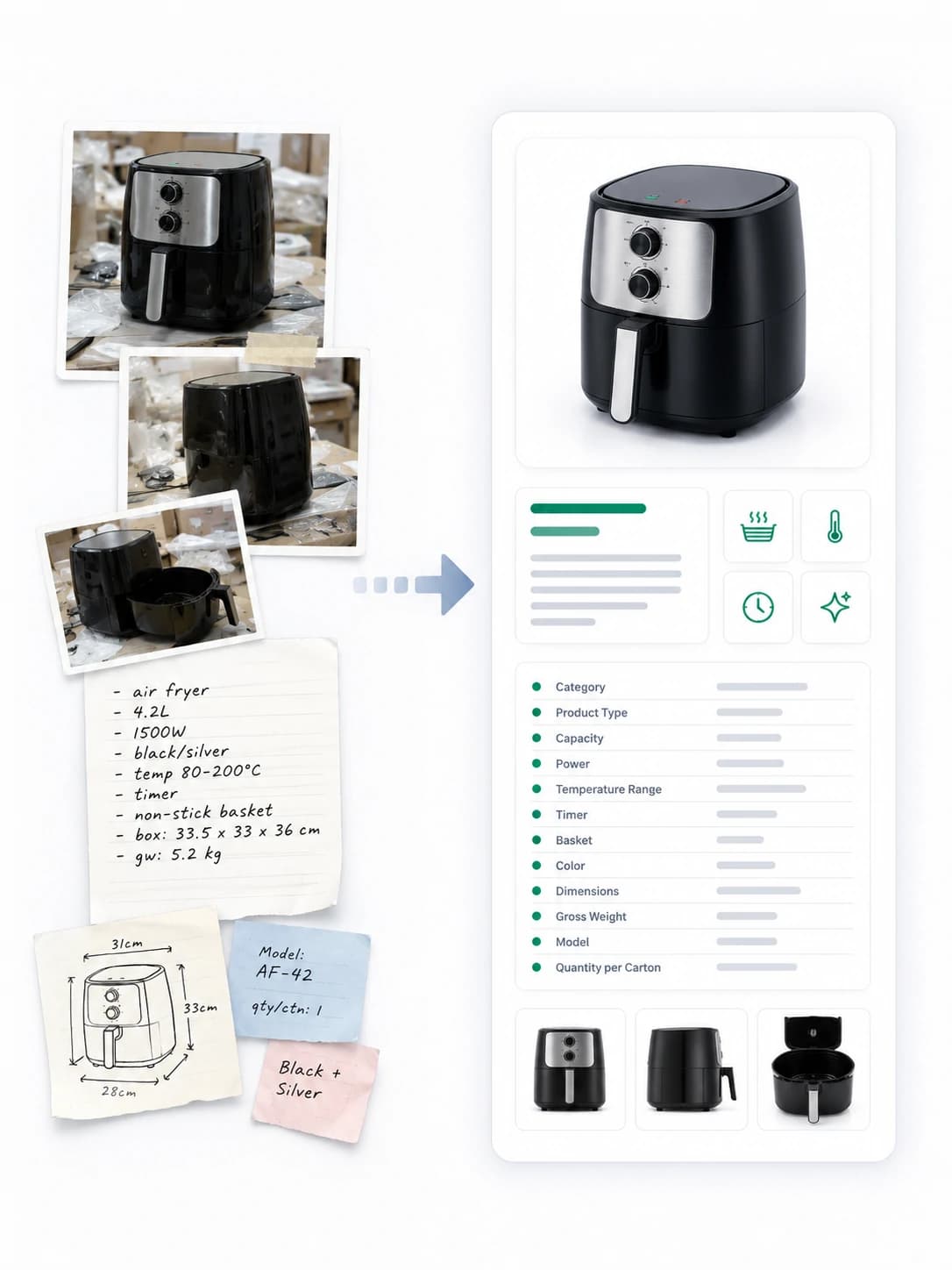
Supplier air fryer photos and specification notes organized into a structured product catalog entry

Supplier Catalog Cleanup

Turn supplier photos and thin item names into a clearer first draft before verified specifications are added.

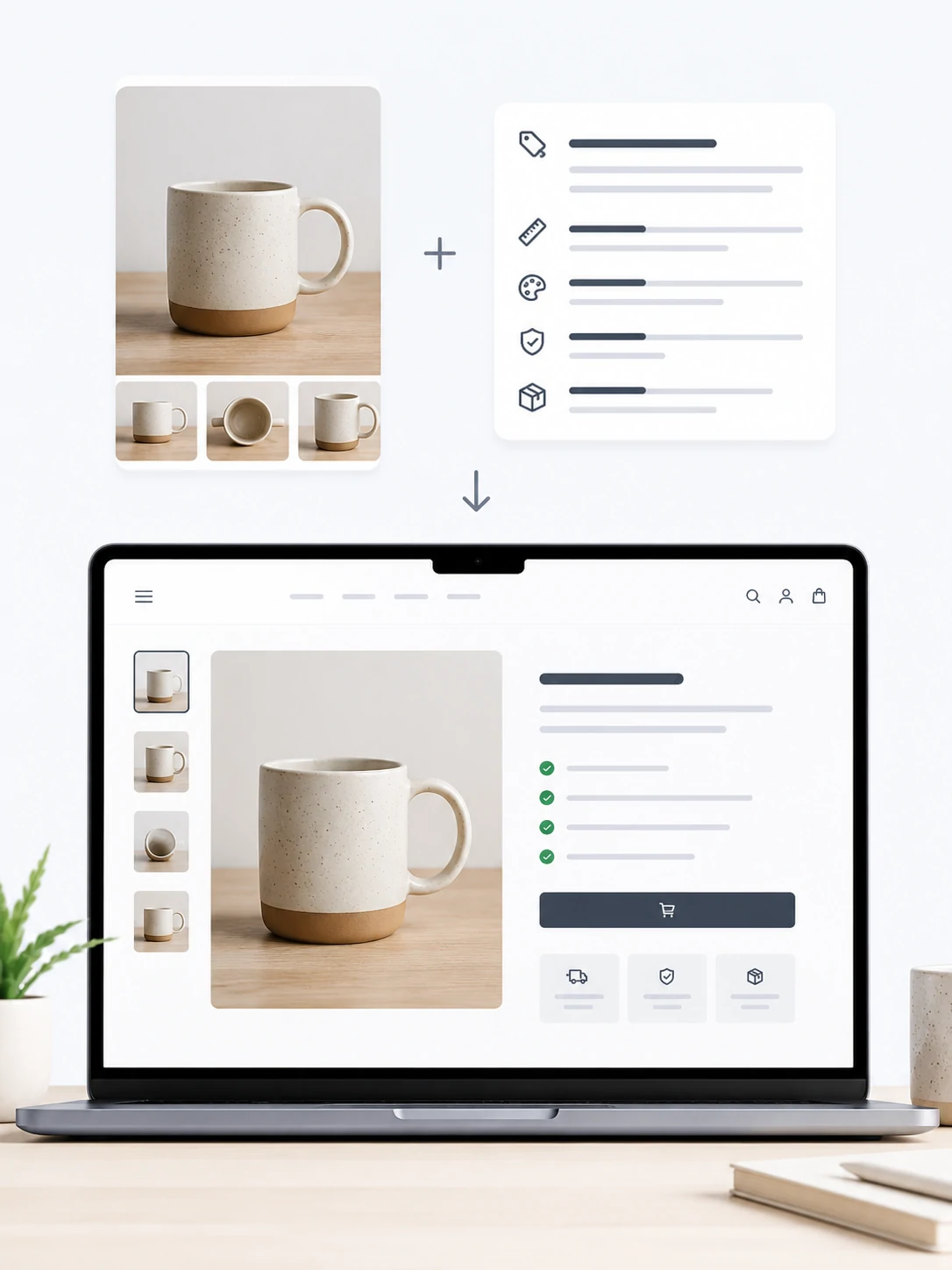
Multiple ceramic mug photos and product details combined into an ecommerce product page

Store Product Pages

Create a factual product summary that can be refined into buyer-facing copy for an independent ecommerce store.

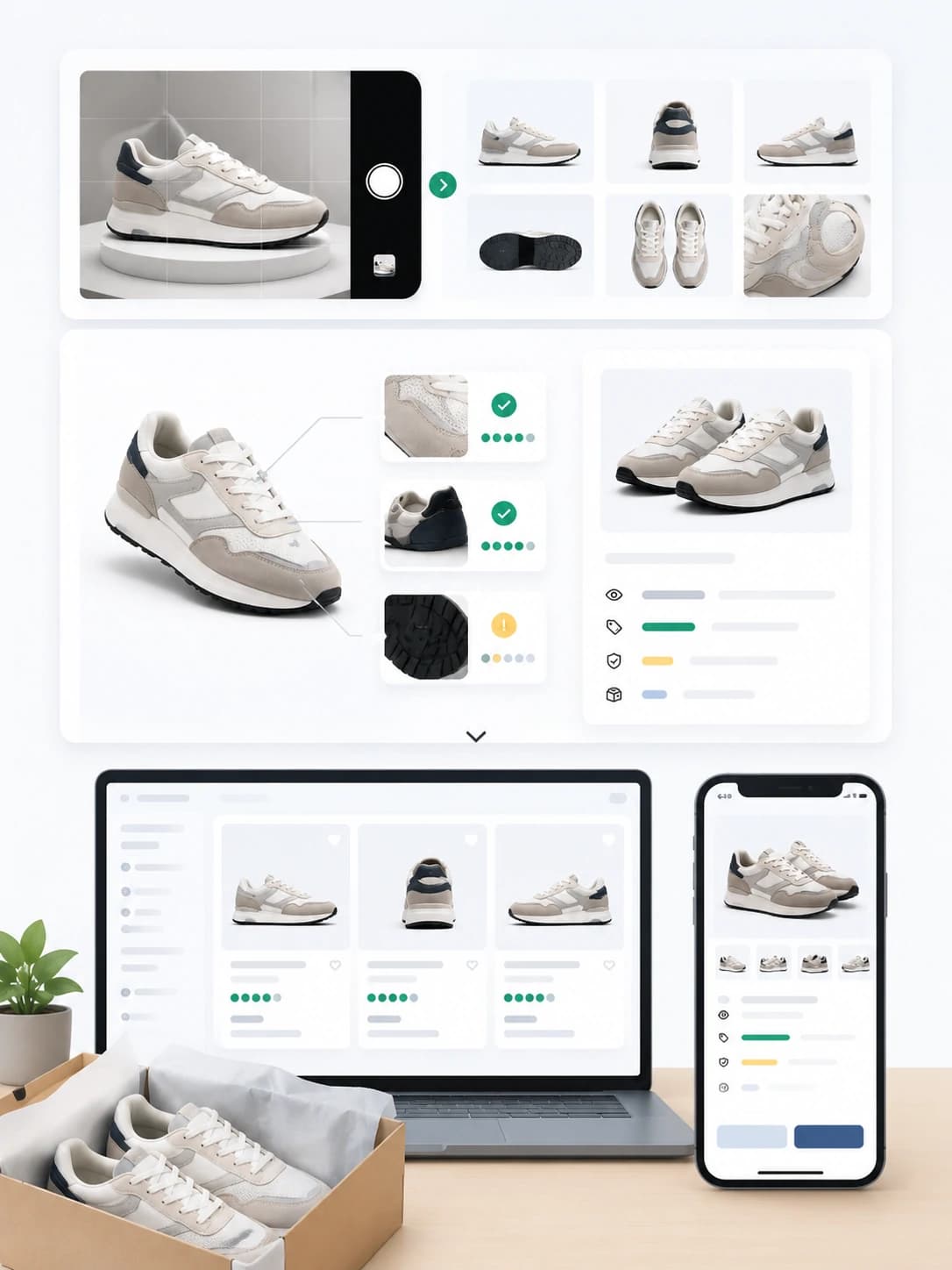
Sneaker photos analyzed from multiple angles for marketplace listings on desktop and mobile

Marketplace and Resale Listings

Describe visible design, components, and appearance before adding measurements, condition, authenticity, and shipping details.

Chair photos and structured product details handed off to multiple catalog and content contributors

Content and Catalog Handoff

Give writers, assistants, agencies, or catalog editors a structured visual brief instead of asking them to interpret every photo from scratch.

Choose the right output

Product Image Description vs Other Image Outputs

OutputPrimary purposeTypical result
Product Image DescriptionUnderstand and document a product photoVisible details, structured description, catalog copy, verification checklist
General Image DescriptionSummarize any type of imageBroad scene, subjects, actions, and context
Product Alt TextExplain an image to screen-reader usersShort, context-specific accessibility text
Product Listing CopyPersuade shoppers using verified product informationTitle, benefits, specifications, and sales copy
Chat with ImageInvestigate a product photo through follow-up questionsMulti-turn questions, comparisons, revisions, and checks

This tool focuses on the product image description itself. It starts with visible product evidence and creates a reusable foundation for catalog, listing, and content work.

Image-grounded workflow

Why Start with the Product Photo?

Begin with Visual Evidence

The first draft reflects the item actually shown instead of relying only on a generic product name or empty prompt.

Keep Unknown Details Visible

The result separates visible characteristics from specifications requiring seller confirmation, reducing unsupported claims.

Create a Reusable Product Record

Use the same image-grounded description as a starting point for catalog copy, marketplace drafts, content briefs, or internal data.

Write for the Product, Not the Template

The description changes with the visible category, design, components, and presentation instead of forcing every item into one formula.

FAQ

Product Image Description Questions

What is a product image description?

A product image description is a written explanation of the product shown in a photo. It may identify the type, color, shape, visible components, design details, finish, packaging, and other image-supported characteristics.

What is a product image description generator?

A product image description generator uses AI vision to examine a product photo and create a structured written description. A useful generator also separates visible details from specifications that cannot be confirmed from the image alone.

How do I describe a product image?

Start with the product category, then describe important visible attributes, distinguishing design details, components, and presentation. Avoid exact specifications or performance claims unless they are visible or separately verified.

Is a product image description the same as product alt text?

No. A product image description may be detailed and used for catalog or content work. Product alt text is usually shorter and explains the image purpose in page context for people who cannot see it.

Is this the same as an AI product description generator?

They overlap, but the starting point differs. A general AI product description generator often relies on typed product information. This tool begins with a product image and creates a description from visually supported details.

Can AI identify the exact material from a product photo?

Not reliably in every case. AI may describe a surface as leather-like, wood-look, woven, glossy, or matte, but the exact composition should be confirmed by the seller or manufacturer.

Can I use the result for Shopify, Amazon, Etsy, or eBay?

Use it as a first draft. Before publishing, add verified specifications, platform-required fields, condition details, compliance information, and product claims that the photo cannot confirm.

Should I upload more than one product image?

Yes, when side, back, interior, packaging, controls, texture, or included accessories are not visible in the primary photo. Upload up to five views of the same product in one task; the tool combines supported details into one result.

Can it describe second-hand products?

Yes, but review condition details carefully. Add verified wear, damage, missing parts, measurements, authenticity information, and included accessories before publishing a resale listing.

Will the tool invent product specifications?

The workflow asks the model to separate visible observations from details needing confirmation. You should still review the result and remove any statement unsupported by the image or verified product data.

Turn Your Next Product Photo into Usable Product Copy

Upload a clear product image, verify the facts only you know, and create a product image description you can review, edit, and reuse.

Describe Product Image
Product Image Description Generator | Product Photo Tool