JPG to Word Converter

Turn text in a photo or screenshot into an editable Word document. Review the image to Word result, make corrections, and download your DOCX.

2 free conversions a day, no sign-in needed. One image at a time.

Loading the image tool…

See the result

From an image to a working document

Open a sample to compare the original with its extracted text, edit it, and download a Word document.

A printed notice

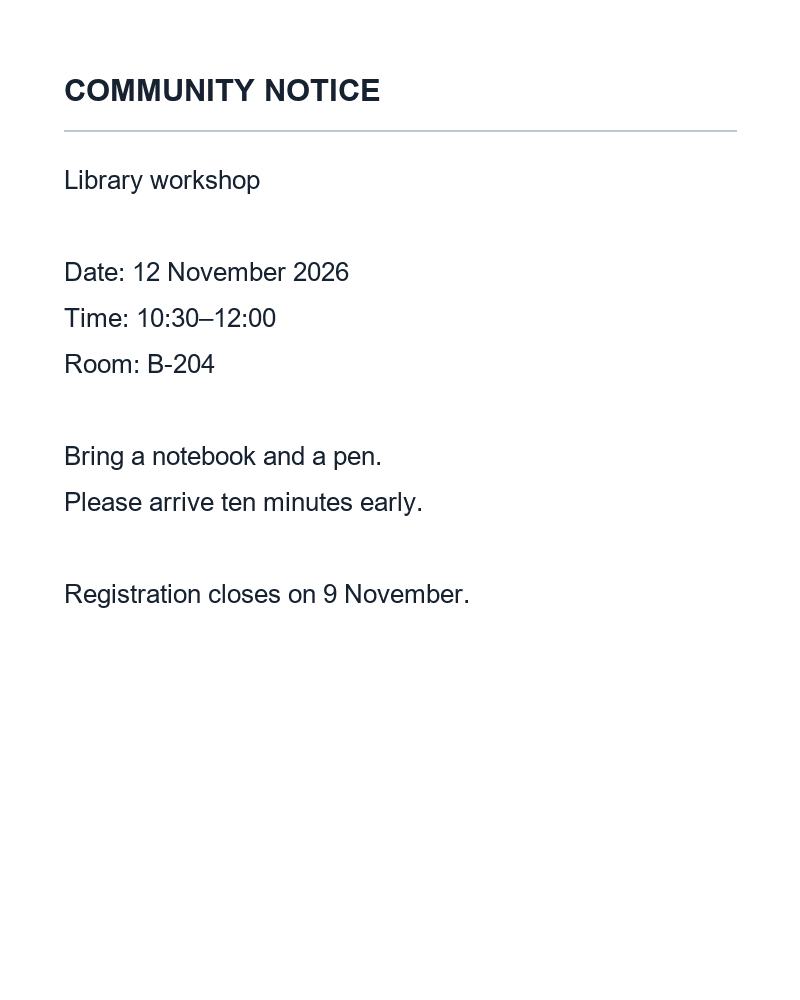
A notice from a photo becomes text you can update. Check the date and room number, then adapt it for the next event.

Original imagePNG
Editable resultDOCX

COMMUNITY NOTICE

Library workshop

Date: 12 November 2026 Time: 10:30–12:00 Room: B-204

Bring a notebook and a pen. Please arrive ten minutes early.

Registration closes on 9 November.
A workshop handout

Turn a printed handout into reusable instructions. Keep numbered steps and the packing list as editable text.

Original imagePNG
Editable resultDOCX

WORKSHOP CHECKLIST

Before the session

1. Open the sample document.

2. Check the heading and date.

3. Save an editable copy.

What to bring

• Notebook

• Pen

• Laptop charger

Review all numbers before sharing.

A specification table

Move a photographed specification sheet into a Word table. Review product codes, decimal values and units before sharing.

Original imagePNG
Editable resultDOCX

PRODUCT SPECIFICATIONS

Model: ST-0042

ItemValueUnit
Product code0042—
Width120mm
Height85mm
Weight0.75kg
Capacity500mL

Check the product code before ordering.

Editing and downloading these examples use no credits.

A document you can work with

An image to Word converter with editable text

Update a printed notice, reuse a handout, or turn a screenshot into a document. Headings, paragraphs, lists and simple tables stay editable; your image is not simply pasted onto a Word page.

Text you can change

Correct a name, update a date or rewrite a sentence directly in the preview.

Lists you can reuse

Keep instructions and checklists in order, then add your own notes in Word.

Tables you can review

Edit individual cells in simple tables. Check units and leading zeros against the image.

Three steps

How to convert JPG to Word

Add your image

Upload a JPG or PNG, paste an image, or use an image URL. Keep the full page visible and the text upright.

Review and edit

Compare the extracted document with the image. Correct names, numbers and any unclear words directly in the preview.

Download your DOCX

Save the edited document and continue in Microsoft Word or another compatible editor. Editing and downloading do not use another conversion.

Made for everyday documents

Bring paper documents back into your workflow

Start with the document you already have. Leave with text you can use again.

Office notices

Start with
A photo of an announcement or memo
Use it for
Update dates, names and details for the next notice.

Study & training

Start with
A printed handout or lesson screenshot
Use it for
Build editable study notes and reusable checklists.

Product specifications

Start with
A clear photo of a simple specification table
Use it for
Prepare a Word document with values you can review cell by cell.

Screenshots & mixed languages

Start with
Text captured from a screen or a bilingual notice
Use it for
Reuse the original wording without translating it.

Start with a readable image

Check the details before sharing

Start with clear printed text. Small type, handwriting, formulas and complex columns can need correction. This tool preserves wording and basic structure, not exact fonts or page positions. Long documents may need to be cropped into shorter sections.

  • Include the edges

    Keep full sentences and all table columns inside the image.

  • Make small text readable

    Use a sharp, upright image without glare across the words.

  • Split dense documents

    Crop long pages into readable sections and review each result.

Keep the whole page visible
Avoid cutting off the text
.docx

Editable Word document

JPG / PNG / WebP

Keep working in Word

The next edit happens in your document

Download a DOCX with editable text and simple tables, or copy the text into your existing document.

  • Correct the preview before downloading
  • Continue editing in Word or a compatible editor
  • Copy, edit and download again without another conversion
Try an example document

Try it on your own document

Check the result with your own image

Start with one clear page. Review the result before deciding how often you need the tool.

For your first documents

2 free guest conversions per day. No sign-in needed. Editing and downloads are included.

Convert to Word

For regular document work

Credit packs start at $5.99 for 300 credits. Signed-in conversions use the amount shown on the tool button.

View credit options

Frequently asked questions

Convert to Word
Can I convert PNG to Word too?

Yes. JPG, PNG and WebP images can be converted into editable DOCX files. One image is processed per conversion.

Is the Word document editable?

Yes. The DOCX contains text and simple tables. You can correct the preview before downloading and continue editing in Word afterward.

Does it reproduce the exact original layout?

No. It focuses on readable text and basic structure. Exact fonts, complex tables, columns and page spacing may require adjustment in Word.

Does it translate the text?

No. It preserves the original wording and language. Always check the result against the source image.

Is it free to try?

Guests can try two conversions per day. Signed-in conversions use the credits shown on the button. Editing and downloading an existing result are free.

Can I use it on my phone?

Yes. Upload or paste an image, review the editable result, then download the DOCX and open it in a compatible document app.