타임라인 기반 동영상 대화

동영상과 채팅

동영상을 업로드하고 시간 흐름에 맞춰 질문하세요. 무엇이 먼저 일어나는지, 특정 순간에 무엇이 바뀌는지, 화면에 어떤 텍스트가 나타나는지, 클립을 노트나 요약, 검토 체크리스트로 바꾸는 방법을 확인할 수 있습니다.

타임라인 우선 동영상 Q&A장면별 요약정확한 순간 질문화면 텍스트 추출동작 및 객체 검토큰 클립 검토
출력 언어

동영상과 채팅

Chat with Video는 유료 요금제에서 사용할 수 있습니다. 요금제가 활성화된 후 메시지마다 크레딧이 차감됩니다.

MP4, MOV 최대 80MB

동영상 대화 흐름

동영상을 한 프레임이 아니라 타임라인으로 분석하기

좋은 동영상 Q&A는 실제 타임라인을 따라갑니다. 타임스탬프 맵으로 시작하고, 정확한 순간을 질문하고, 클립의 장면을 비교한 뒤 답변을 노트, 요약 또는 검토 체크리스트로 바꿉니다.

실제 동영상 예시

Tears of Steel 동영상 검토

실제 클립과 실제 대화를 나란히 보여 주어 사용자가 클립, 핵심 순간, 후속 질문, 최종 검토 결과의 관계를 이해할 수 있게 합니다.

실제 클립 예시

워크플로 한눈에 보기

01

00:12

먼저 전체 동영상 타임라인 만들기

02

00:45

특정 순간 살펴보기

03

05:00

장면과 동작 비교

04

07:00

분석을 노트로 변환

예시 대화

질문, 좁히기, 비교, 전달

스크롤 가능한 대화 기록

사용자

Give me a timestamped map of this video.

어시스턴트

Sure. I will treat the video as a timeline instead of a single image. 00:12 - The video opens with a bright industrial sci-fi scene. Strong light and large mechanical structures create a futuristic, high-energy beginning. 00:28 - The video cuts to a daylight bridge scene with two people standing near bicycles. This moment feels more personal and grounded than the opening machinery shot. 00:45 - On-screen text reads "40 YEARS LATER." This is a major timeline cue and marks a jump from the earlier human moment into a later future setting. 01:30 - The video shows a large mechanical or vehicle-like structure in a dark environment, reinforcing the futuristic world. 02:00 - A person appears lying down in a dim interior while another figure is nearby, suggesting monitoring, recovery, or a tense controlled environment. 05:00 - A large robot-like figure appears in a city setting. This is one of the clearest action and visual spectacle moments in the video.

사용자

What happens at 00:45?

어시스턴트

At 00:45, the video shows the text "40 YEARS LATER." This is not just decorative text. It changes how the viewer understands the timeline: everything before it feels like an earlier memory or setup, while the scenes after it belong to a later future world.

사용자

What changes between 00:28 and 05:00?

어시스턴트

Around 00:28, the video shows a bright bridge scene with two people and bicycles. It feels natural, open, and human-centered. Around 05:00, the video shows a large robot-like figure in an urban setting. That later moment feels mechanical, tense, and much more futuristic.

사용자

Compare the bridge scene with the later sci-fi scenes.

어시스턴트

The bridge scene is bright, calm, and focused on two people. It feels like a memory or an earlier relationship moment. The later sci-fi scenes are darker, more artificial, and filled with machinery, lab equipment, and robotic elements. The contrast suggests a human past connected to a technologically changed future.

사용자

Turn this into a concise review note.

어시스턴트

Review note: This video should be analyzed as a sequence across time. It starts with industrial sci-fi imagery, shifts to a human bridge scene, then uses "40 YEARS LATER" to mark a major time jump. Later scenes show lab equipment, monitored characters, and a large robot in a city setting. The main value is the contrast between personal human moments and a darker future shaped by technology.

사례 핵심

이 예시가 보여 주는 것

실제 대화에는 이미 자세한 질문과 답변이 포함되어 있습니다. 이 노트는 예시 뒤에 있는 재사용 가능한 패턴을 요약합니다.

01

넓게 시작하기

한 순간에 집중하기 전에 전체 순서를 먼저 요청하세요.

02

세부 내용을 순간에 연결

컷, 텍스트, 동작, 장면 변화에 대해 질문할 때 시간이나 보이는 단서를 사용하세요.

03

전후 비교

분리된 순간들을 연결해 클립을 더 명확하게 이해합니다.

04

결과 내보내기

대화를 노트, 체크리스트 또는 검토 요약으로 변환합니다.

긴 동영상 사례 연구

전체 동영상에 걸쳐 후속 질문하기

긴 클립에는 한 줄 요약 이상이 필요합니다. 동영상 채팅으로 이야기를 타임스탬프별로 정리하고, 인물 변화를 따라가고, 초반과 후반 장면을 비교해 전체 동영상을 검토하거나 재사용할 수 있는 구조화된 답변으로 바꾸세요.

실제 긴 동영상 예시

Sintel 이야기 타임라인 검토

이 예시는 14분 애니메이션 단편을 사용해 동영상 채팅이 완전한 서사를 어떻게 따라가는지 보여 줍니다. 시작 설정, 인물 동기, 관계 변화, 갈등, 드러나는 사실, 최종 의미를 다룹니다.

14분 이야기

동영상 타임라인

00:30

눈 덮인 여정의 시작

02:00

소녀가 어린 용을 발견하고 도와줌

05:00

유대, 이동, 그리고 이별

07:00

더 넓은 풍경 속 탐색

10:00

성체 용과의 만남

12:00

마지막 깨달음과 감정의 전환

질문 예시

질문 01이 동영상의 챕터별 타임라인을 만들어 주세요.
질문 02이야기 전반에서 관계는 어떻게 변하나요?
질문 03시작 장면과 결말을 비교해 주세요.
질문 04아직 보지 않은 사람을 위해 마지막 의미를 요약해 주세요.

예시 대화

정리, 좁히기, 비교, 요약

스크롤 가능한 대화 기록

사용자

Create a chapter-by-chapter timeline of this video.

어시스턴트

Sure. I will treat the video as a full story instead of a single scene. 00:30 - The video opens in a cold, snowy landscape. A lone traveler moves through a harsh environment, creating a feeling of distance, survival, and searching. 02:00 - The story shifts into an earlier memory. A young girl finds a small injured dragon and begins caring for it, changing the video from survival into a relationship story. 03:00 - The girl and the young dragon spend time together. Their bond becomes clearer through small actions, movement, and shared space. 05:00 - The story becomes more active and emotional. The girl and dragon are shown in motion, and the sequence suggests freedom, attachment, and separation. 07:00 - The video returns to travel and searching. The larger environment shows that the relationship has become the reason for a long journey. 10:00 - The story reaches a major conflict with a much larger dragon. The earlier small-dragon memory now matters because the viewer connects the conflict to the missing companion. 12:00 - The ending creates an emotional reversal about time, obsession, misunderstanding, and recognition.

사용자

How does the relationship change across the video?

어시스턴트

At first, the relationship begins as rescue and care. Then it becomes companionship: the girl and dragon move together, trust each other, and share space. Later, after separation, the relationship becomes a search. By the end, it changes again into recognition and regret because the final scenes connect the adult dragon back to the earlier bond.

사용자

Compare the opening scene with the ending.

어시스턴트

The opening scene feels cold, isolated, and mysterious. It shows a lone figure moving through snow, so the viewer understands that the character is searching or surviving. The ending feels more emotional and reflective. It gives meaning to the earlier journey by revealing that the search was tied to memory, attachment, and loss.

사용자

What is the main story arc?

어시스턴트

The main arc is: a lonely girl finds and cares for a young dragon, forms a bond with it, loses it, spends years searching, and eventually faces the painful truth of what the search has become. The story is less about adventure alone and more about attachment, time, and recognition.

사용자

Make it a reusable summary for a content brief.

어시스턴트

Content brief: This animated short follows a girl's bond with a young dragon and the long search that follows their separation. The video uses contrast between snowy isolation, warm memory scenes, travel, and a later dragon encounter to build an emotional reveal. The key takeaway is that long videos need timeline-aware analysis: the ending only makes sense when the earlier relationship and time gap are kept in context.

출력 형식

동영상 Q&A를 타임스탬프가 있는 결과물로 변환

유용한 동영상 채팅은 시간 맥락을 유지한 타임라인, 요약, 체크리스트 또는 브리프로 끝나야 합니다.
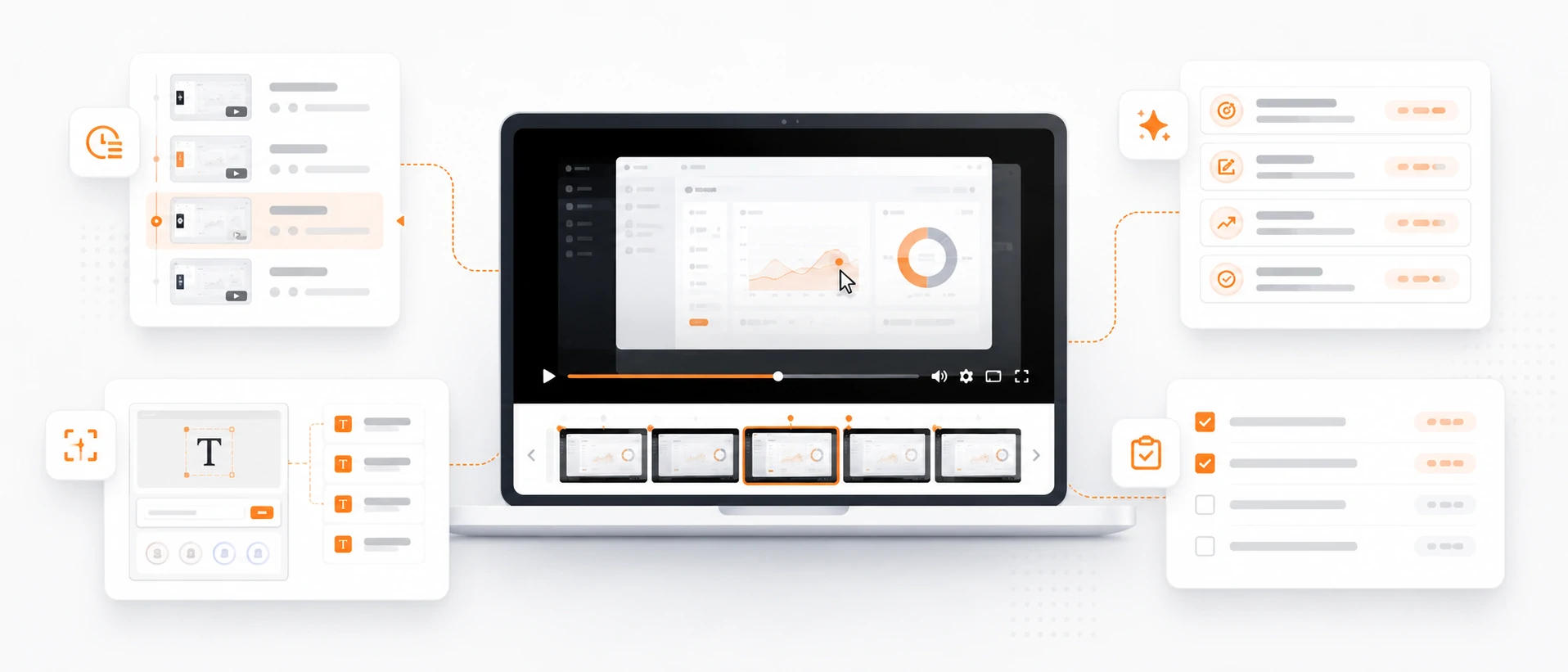
타임스탬프 장면 맵

각 보이는 장면, 중요한 동작, 화면 상태, 검토할 가치가 있는 순간을 이름 붙인 구조화된 타임라인을 만듭니다.

동작 및 변화 요약

무엇이 움직이고, 무엇이 바뀌며, 화면에 무엇이 나타나는지, 첫 프레임과 마지막 프레임이 어떻게 다른지 요약합니다.

보이는 텍스트 및 UI 노트

화면 텍스트, 라벨, 캡션, 인터페이스 상태, 시각적 지시를 등장 순서대로 추출합니다.

검토 체크리스트 또는 브리프

동영상 대화를 지원 노트, 교육 체크리스트, 광고 검토, 제품 데모 브리프 또는 문서 개요로 바꿉니다.

사람 검토

동영상 채팅으로 보이는 타임라인 증거 정리

이 도구는 보이는 장면과 동작을 정리할 수 있지만, 영상이 불명확하거나 업무상 중요한 경우 중요한 결론은 사람의 검토가 필요합니다.
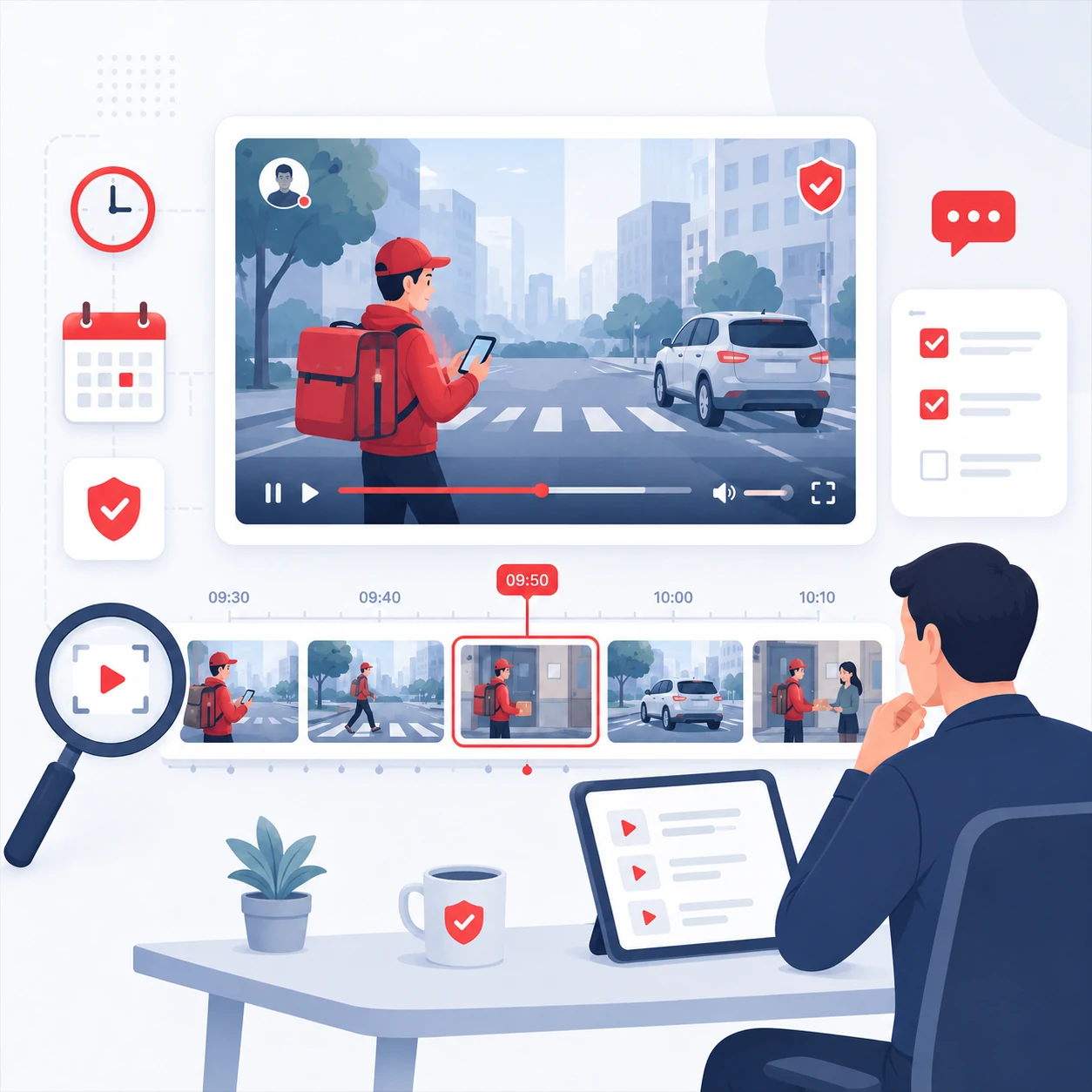
  • 길거나 빠르게 움직이는 클립에서 결정을 내리기 전에 타임스탬프 맵을 요청하세요.
  • 흐릿한 영상, 잘린 프레임, 빠른 컷, 불명확한 오디오, 중요한 의사결정에는 사람 검토를 유지하세요.
  • 다른 출처가 확인하지 않는 한 보이는 동영상 밖의 의도, 신원 또는 사건을 추론하지 마세요.
  • 자막, 라벨, UI 텍스트가 작거나 움직이거나 일부 가려져 있을 때는 보이는 텍스트 추출을 초안으로 사용하세요.

질문 라이브러리

정지 이미지가 아닌 동영상을 위한 질문

동영상 질문은 시간, 변화, 순서 또는 출력 형식을 포함할 때 가장 좋습니다. 클립 업로드 후 이 질문들로 시작하세요.
타임라인

  • 이 동영상의 타임스탬프가 있는 개요를 만들어 주세요.
  • 장면 전환은 어디에서 일어나나요?
  • 처음 5초 동안 무엇이 일어나나요?

움직임

  • 주요 동작과 전환을 설명해 주세요.
  • 이 두 순간 사이에 무엇이 바뀌나요?
  • 어떤 물체나 사람이 가장 많이 움직이나요?

보이는 텍스트

  • 화면의 모든 텍스트를 순서대로 추출해 주세요.
  • 놓치기 쉬운 라벨이나 캡션은 무엇인가요?
  • 이 클립에 표시된 UI 텍스트를 요약해 주세요.

결과물

  • 이 클립을 회의 노트로 바꿔 주세요.
  • 동영상에서 간결한 콘텐츠 브리프를 작성해 주세요.
  • 불확실한 항목이 포함된 검토 체크리스트를 만들어 주세요.

FAQ

동영상 채팅 질문

클립을 업로드하기 전에 이 FAQ로 흐름을 빠르게 확인하세요. 먼저 타임스탬프 맵을 만들고, 정확한 순간으로 좁힌 뒤, 답변을 노트, 체크리스트 또는 브리프로 내보낼 수 있습니다.

01동영상을 업로드한 뒤 처음에는 무엇을 물어봐야 하나요?

먼저 전체 클립의 타임스탬프 맵을 요청하세요. 그러면 정확한 순간, 장면 변화, 보이는 텍스트, 동작, 최종 노트를 묻기 전에 깔끔한 구조를 잡을 수 있습니다.

02정확한 타임스탬프와 장면 변화에 대해 물어볼 수 있나요?

네. 이 페이지의 예시는 타임스탬프 우선 흐름을 보여 줍니다. 특정 순간에 무슨 일이 일어나는지 묻고, 두 순간을 비교하고, 컷이나 전환을 검토하고, 화면 텍스트를 순서대로 추출할 수 있습니다.

03일반 동영상 요약과는 무엇이 다른가요?

일반 요약은 동영상을 하나의 답변으로 압축합니다. 동영상 채팅은 대화를 이어갈 수 있어서 전체 타임라인에서 한 프레임, 한 라벨, 한 동작, 한 비교로 좁혀 갈 수 있습니다.

04Sintel 예시처럼 긴 동영상에도 사용할 수 있나요?

네. 긴 클립에는 챕터식 질문이 적합합니다. 이야기를 매핑하고, 캐릭터 변화를 따라가고, 초반과 후반 장면을 비교한 뒤, 최종 답변을 구조화된 리뷰로 바꿀 수 있습니다.

05동영상 대화를 어떤 결과물로 바꿀 수 있나요?

답변을 타임스탬프 장면 맵, 동작 요약, 보이는 텍스트 노트, 지원 노트, 교육 체크리스트, 콘텐츠 브리프, 광고 리뷰 또는 문서 개요로 바꿀 수 있습니다.

06동영상 채팅이 사람의 검토를 대체하나요?

아니요. 보이는 증거를 더 빠르게 정리하는 데 사용하되, 흐릿한 영상, 빠른 컷, 잘린 프레임, 불명확한 오디오, 안전 관련 결정, 비즈니스 핵심 결론은 사람이 검토해야 합니다.

07어떤 업로드가 가장 잘 작동하나요?

짧고 선명한 클립은 빠른 질문에 가장 좋습니다. 더 길거나 정보가 많은 영상은 깔끔한 MP4, MOV, WebM 파일을 사용하고, 먼저 타임스탬프 지도를 요청한 뒤 정확한 순간이나 결과물로 좁혀 가세요.

08어떤 동영상 형식을 지원하나요?

동영상 채팅은 MP4, MOV, WebM 업로드를 지원합니다. 읽기 쉬운 텍스트, 안정적인 프레이밍, 다루기 좋은 길이의 선명한 영상이 가장 유용한 타임라인 답변을 만듭니다.