タイムライン型の動画会話

動画とチャット

動画をアップロードし、時間の流れに沿って質問できます。最初に何が起きるか、特定の瞬間に何が変わるか、画面にどの文字が出るか、そしてクリップをメモ、要約、レビュー用チェックリストへ変換する方法を確認できます。

タイムライン優先の動画Q&Aシーン別要約特定の瞬間を質問画面テキスト抽出動作と物体の確認大きなクリップのレビュー
出力言語

動画とチャット

Chat with Video は有料プランで利用できます。プラン有効化後、メッセージごとにクレジットが消費されます。

MP4、MOV、最大80MB

動画会話フロー

動画を1枚のフレームではなくタイムラインとして分析

良い動画Q&Aは実際のタイムラインに沿って進みます。タイムスタンプ付きマップから始め、正確な瞬間を質問し、クリップ内のシーンを比較して、回答をメモ、要約、レビュー用チェックリストに変換します。

実際の動画例

Tears of Steel 動画レビュー

実際のクリップと実際の会話を並べて表示し、クリップ、重要な瞬間、追質問、最終レビュー出力の関係を理解しやすくします。

実クリップ例

ワークフロー概要

01

00:12

まず動画全体のタイムラインを作成

02

00:45

特定の瞬間を詳しく調べる

03

05:00

シーンと動作を比較

04

07:00

分析をメモに変換

会話例

質問、絞り込み、比較、引き渡し

スクロール可能な会話記録

ユーザー

Give me a timestamped map of this video.

アシスタント

Sure. I will treat the video as a timeline instead of a single image. 00:12 - The video opens with a bright industrial sci-fi scene. Strong light and large mechanical structures create a futuristic, high-energy beginning. 00:28 - The video cuts to a daylight bridge scene with two people standing near bicycles. This moment feels more personal and grounded than the opening machinery shot. 00:45 - On-screen text reads "40 YEARS LATER." This is a major timeline cue and marks a jump from the earlier human moment into a later future setting. 01:30 - The video shows a large mechanical or vehicle-like structure in a dark environment, reinforcing the futuristic world. 02:00 - A person appears lying down in a dim interior while another figure is nearby, suggesting monitoring, recovery, or a tense controlled environment. 05:00 - A large robot-like figure appears in a city setting. This is one of the clearest action and visual spectacle moments in the video.

ユーザー

What happens at 00:45?

アシスタント

At 00:45, the video shows the text "40 YEARS LATER." This is not just decorative text. It changes how the viewer understands the timeline: everything before it feels like an earlier memory or setup, while the scenes after it belong to a later future world.

ユーザー

What changes between 00:28 and 05:00?

アシスタント

Around 00:28, the video shows a bright bridge scene with two people and bicycles. It feels natural, open, and human-centered. Around 05:00, the video shows a large robot-like figure in an urban setting. That later moment feels mechanical, tense, and much more futuristic.

ユーザー

Compare the bridge scene with the later sci-fi scenes.

アシスタント

The bridge scene is bright, calm, and focused on two people. It feels like a memory or an earlier relationship moment. The later sci-fi scenes are darker, more artificial, and filled with machinery, lab equipment, and robotic elements. The contrast suggests a human past connected to a technologically changed future.

ユーザー

Turn this into a concise review note.

アシスタント

Review note: This video should be analyzed as a sequence across time. It starts with industrial sci-fi imagery, shifts to a human bridge scene, then uses "40 YEARS LATER" to mark a major time jump. Later scenes show lab equipment, monitored characters, and a large robot in a city setting. The main value is the contrast between personal human moments and a darker future shaped by technology.

ケースの要点

この例が示すこと

実際の会話には詳細な質問と回答が含まれています。ここでは、その例の背後にある再利用しやすいパターンをまとめています。

01

広く始める

1つの瞬間に集中する前に、全体の流れを確認します。

02

詳細を時点に結びつける

カット、文字、動作、シーン変化について質問するときは、時刻や見える手がかりを使います。

03

前後を比較

離れた瞬間をつなげて、クリップをより明確に理解します。

04

結果を出力

会話をメモ、チェックリスト、レビュー要約に変換します。

長尺動画ケーススタディ

動画全体にわたって追質問する

長尺クリップには一行の要約以上のものが必要です。動画チャットで物語をタイムスタンプごとに整理し、登場人物の変化を追い、序盤と終盤のシーンを比較して、動画全体をレビューや再利用に向いた構造化された回答へ変換します。

実際の長尺動画例

Sintel 物語タイムラインレビュー

この例では14分のアニメーション短編を使い、動画チャットがどのように完全な物語を追えるかを示します。冒頭設定、人物の動機、関係の変化、対立、明かされる事実、最終的な意味を扱います。

14分の物語

動画タイムライン

00:30

雪の旅から始まる導入

02:00

少女が小さなドラゴンを見つけて助ける

05:00

絆、移動、そして別れ

07:00

広い風景の中での探索

10:00

成長したドラゴンとの遭遇

12:00

最後の気づきと感情の転換

質問例

質問 01この動画をチャプターごとのタイムラインにしてください。
質問 02物語を通して関係はどのように変化しますか?
質問 03冒頭シーンと結末を比較してください。
質問 04まだ見ていない人向けに、最後の意味を要約してください。

会話例

整理、絞り込み、比較、要約

スクロール可能な会話記録

ユーザー

Create a chapter-by-chapter timeline of this video.

アシスタント

Sure. I will treat the video as a full story instead of a single scene. 00:30 - The video opens in a cold, snowy landscape. A lone traveler moves through a harsh environment, creating a feeling of distance, survival, and searching. 02:00 - The story shifts into an earlier memory. A young girl finds a small injured dragon and begins caring for it, changing the video from survival into a relationship story. 03:00 - The girl and the young dragon spend time together. Their bond becomes clearer through small actions, movement, and shared space. 05:00 - The story becomes more active and emotional. The girl and dragon are shown in motion, and the sequence suggests freedom, attachment, and separation. 07:00 - The video returns to travel and searching. The larger environment shows that the relationship has become the reason for a long journey. 10:00 - The story reaches a major conflict with a much larger dragon. The earlier small-dragon memory now matters because the viewer connects the conflict to the missing companion. 12:00 - The ending creates an emotional reversal about time, obsession, misunderstanding, and recognition.

ユーザー

How does the relationship change across the video?

アシスタント

At first, the relationship begins as rescue and care. Then it becomes companionship: the girl and dragon move together, trust each other, and share space. Later, after separation, the relationship becomes a search. By the end, it changes again into recognition and regret because the final scenes connect the adult dragon back to the earlier bond.

ユーザー

Compare the opening scene with the ending.

アシスタント

The opening scene feels cold, isolated, and mysterious. It shows a lone figure moving through snow, so the viewer understands that the character is searching or surviving. The ending feels more emotional and reflective. It gives meaning to the earlier journey by revealing that the search was tied to memory, attachment, and loss.

ユーザー

What is the main story arc?

アシスタント

The main arc is: a lonely girl finds and cares for a young dragon, forms a bond with it, loses it, spends years searching, and eventually faces the painful truth of what the search has become. The story is less about adventure alone and more about attachment, time, and recognition.

ユーザー

Make it a reusable summary for a content brief.

アシスタント

Content brief: This animated short follows a girl's bond with a young dragon and the long search that follows their separation. The video uses contrast between snowy isolation, warm memory scenes, travel, and a later dragon encounter to build an emotional reveal. The key takeaway is that long videos need timeline-aware analysis: the ending only makes sense when the earlier relationship and time gap are kept in context.

出力形式

動画Q&Aをタイムスタンプ付き成果物に変換

有用な動画チャットは、時間の文脈を保ったタイムライン、要約、チェックリスト、ブリーフで終わるべきです。
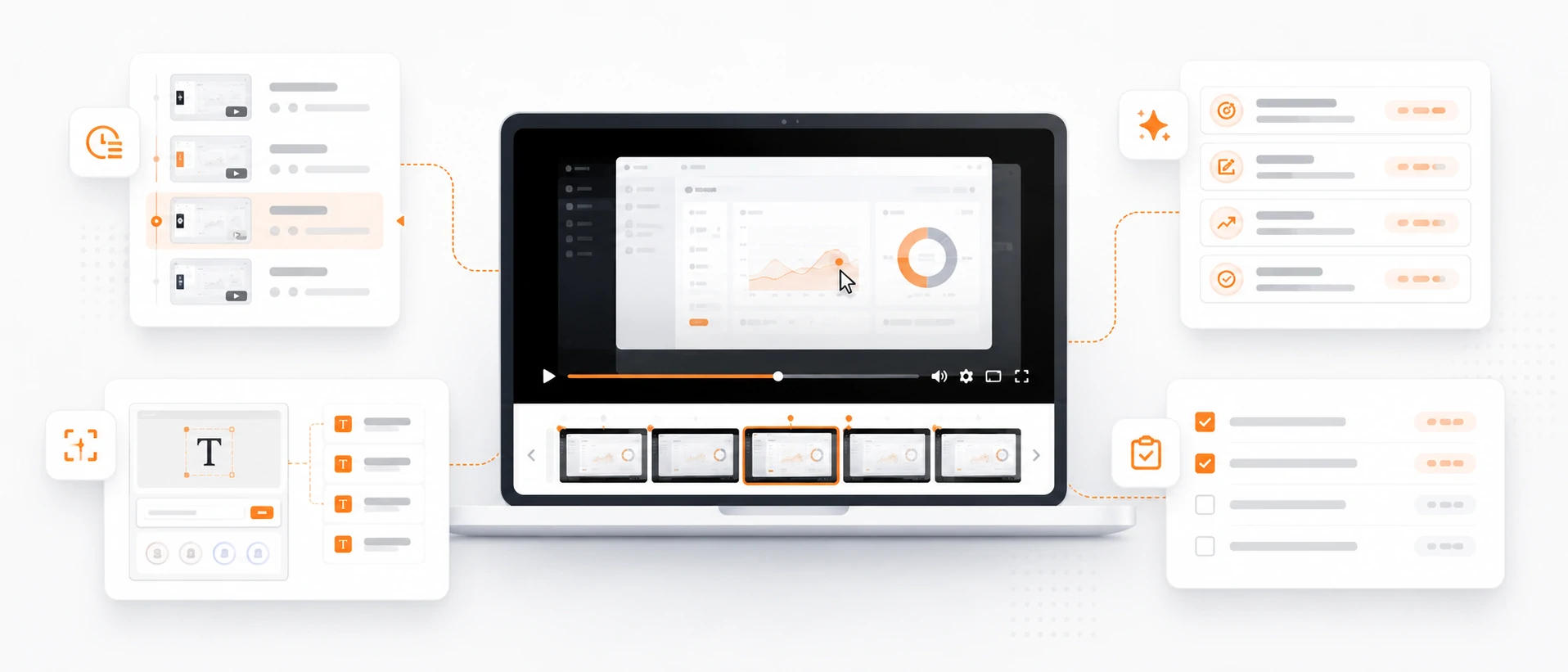
タイムスタンプ付きシーンマップ

見える各シーン、重要な動作、画面状態、レビューすべき瞬間を示す構造化タイムラインを作成します。

動作と変化の要約

何が動き、何が変化し、画面に何が現れ、最初のフレームと最後のフレームがどう違うかを要約します。

表示テキストとUIメモ

画面上の文字、ラベル、キャプション、インターフェース状態、視覚的な指示を出現順に抽出します。

レビュー用チェックリストまたはブリーフ

動画会話をサポートメモ、トレーニングチェックリスト、広告レビュー、製品デモのブリーフ、ドキュメント構成案に変換します。

人による確認

動画チャットで見えるタイムライン証拠を整理

このツールは見えるシーンと動作を整理できますが、映像が不明瞭な場合や業務上重要な場合、重要な結論には人による確認が必要です。
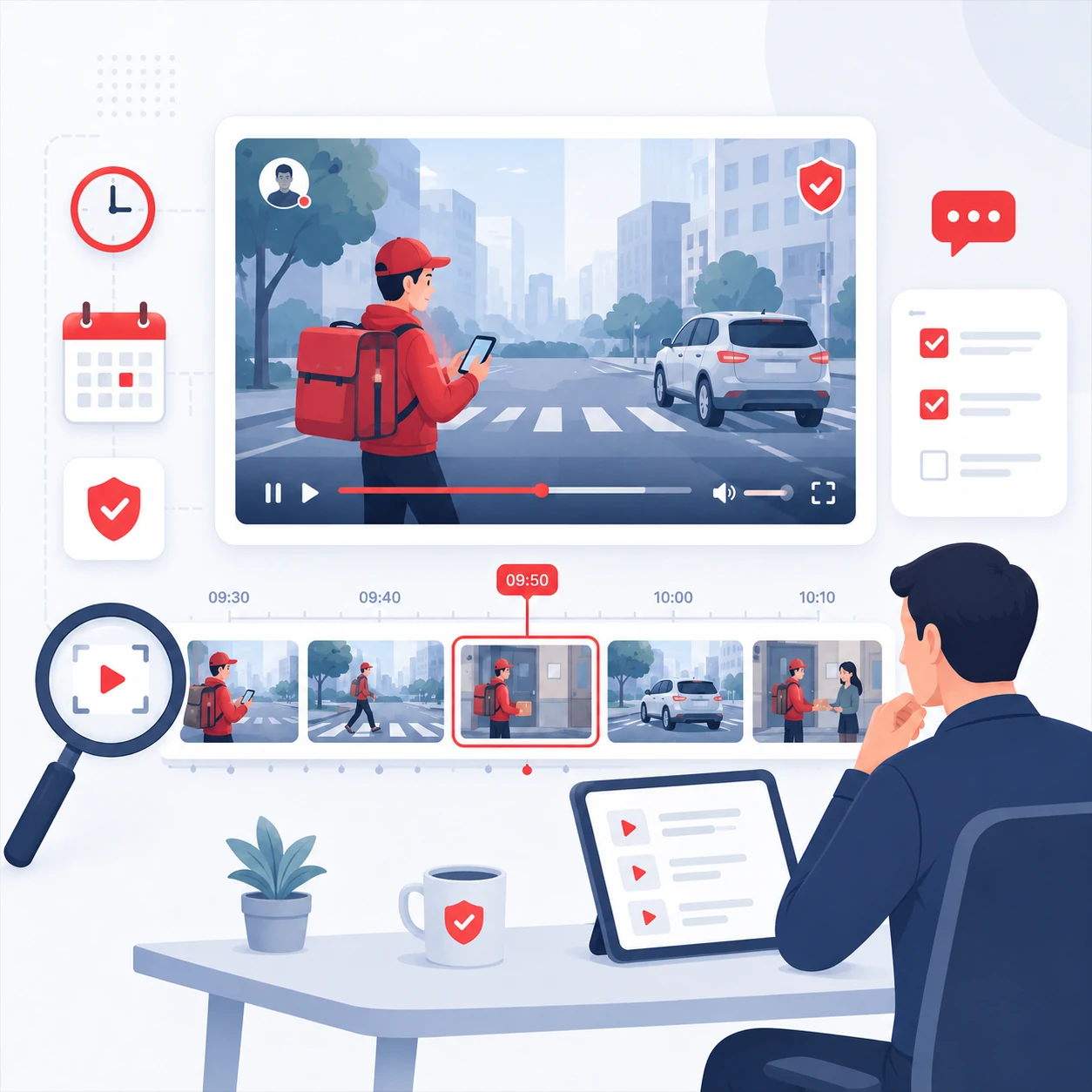
  • 長いクリップや動きの速いクリップから判断する前に、タイムスタンプ付きマップを依頼してください。
  • ぼやけた映像、切り取られたフレーム、速いカット、不明瞭な音声、重要度の高い判断には人による確認を残してください。
  • 別の情報源で確認できない限り、見えている動画の外にある意図、身元、出来事を推測しないでください。
  • キャプション、ラベル、UIテキストが小さい、動く、または一部隠れている場合、表示テキスト抽出は下書きとして扱ってください。

質問ライブラリ

静止画ではなく動画向けの質問

動画向けの質問は、時間、変化、順序、出力形式を含めると効果的です。クリップをアップロードした後、これらから始めてください。

タイムライン

  • この動画のタイムスタンプ付きアウトラインを作成してください。
  • シーンの切り替わりはどこで起きますか?
  • 最初の5秒で何が起きますか?

動き

  • 重要な動作と切り替わりを説明してください。
  • この2つの瞬間の間で何が変化しますか?
  • 最も大きく動く物体または人物はどれですか?

表示テキスト

  • 画面上のすべての文字を順番に抽出してください。
  • 見落としやすいラベルやキャプションはどれですか?
  • このクリップに表示されるUIテキストを要約してください。

成果物

  • このクリップを会議メモにしてください。
  • 動画から簡潔なコンテンツブリーフを書いてください。
  • 不確かな点を含むレビュー用チェックリストを作成してください。

よくある質問

動画チャットのよくある質問

クリップをアップロードする前の確認として、このFAQを使えます。まずタイムスタンプ付きマップを作り、正確な瞬間へ絞り込み、最後に回答をメモ、チェックリスト、ブリーフとして出力します。

01動画をアップロードした後、最初に何を聞くべきですか?

まずクリップ全体のタイムスタンプ付きマップを依頼します。正確な瞬間、シーン変化、表示テキスト、動作、最終メモについて質問する前に、整理された構造を作れます。

02正確なタイムスタンプやシーン変化について質問できますか?

はい。ページの例では、タイムスタンプを先に使う流れを示しています。特定の瞬間に何が起きるか、2つの瞬間の比較、カットやトランジションの確認、画面上の文字の順番どおりの抽出ができます。

03通常の動画要約とは何が違いますか?

通常の要約は動画を1つの回答に圧縮します。動画チャットでは会話を続けられるため、全体のタイムラインから1フレーム、1つのラベル、1つの動作、1つの比較へ絞り込めます。

04Sintel の例のような長い動画にも使えますか?

はい。長いクリップでは章ごとの質問が有効です。物語を整理し、人物の変化を追い、序盤と終盤のシーンを比較して、最後に構造化されたレビューへ変換します。

05動画の会話を何に変換できますか?

回答は、タイムスタンプ付きシーンマップ、動作要約、表示テキストメモ、サポートメモ、トレーニング用チェックリスト、コンテンツブリーフ、広告レビュー、ドキュメント構成案に変換できます。

06動画チャットは人によるレビューを置き換えますか?

いいえ。見える証拠を素早く整理する用途に使い、ぼやけた映像、速いカット、切り取られたフレーム、不明瞭な音声、安全に関わる判断、業務上重要な結論には人によるレビューを残してください。

07どのようなアップロードが最適ですか?

短く明瞭なクリップは素早い質問に向いています。長い動画や情報量の多い動画では、きれいなMP4、MOV、WebMを使い、まずタイムスタンプ付きマップを依頼してから、具体的な瞬間や成果物へ絞り込んでください。

08対応している動画形式は何ですか?

動画チャットはMP4、MOV、WebMのアップロードに対応しています。文字が読みやすく、構図が安定し、扱いやすい長さの映像ほど、有用なタイムライン回答が得られます。